
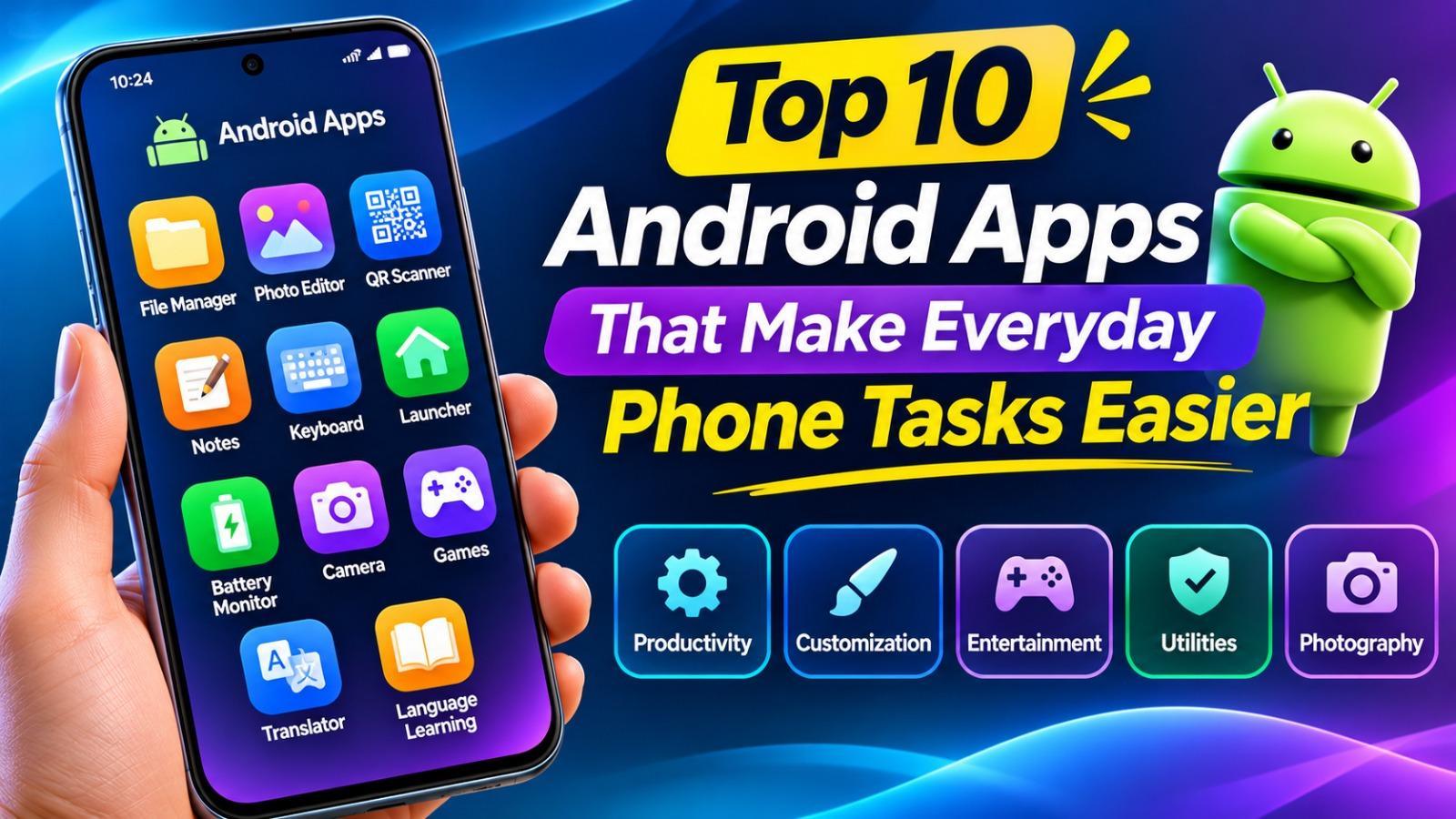
Android smartphones have become an essential part of everyday life, helping users communicate, manage information, capture memories, and complete daily tasks. With so many applications available, choosing useful tools can make a real difference in how efficiently you use your phone. Exploring different Android apps and games can help you discover applications for productivity, customization, entertainment, and other everyday needs.
1. File Manager Apps for Better Organization
File manager applications make it easier to organize documents, images, videos, downloads, and other files stored on an Android device. Instead of searching through multiple folders manually, users can browse files by category, create folders, rename documents, and move content between storage locations.
Some file managers also include storage analysis, archive extraction, and cloud storage integration. These features are particularly useful for people who regularly download files or manage large amounts of data on their smartphones.
2. Photo Editing Apps for Better Pictures
Photo editing applications allow users to improve pictures without needing professional editing software. Basic features such as cropping, brightness adjustment, color correction, filters, and background removal can help transform ordinary photographs into more polished images.
When choosing an editor, consider its available tools, export quality, advertisements, and subscription requirements. A lightweight application with the editing features you actually need may be more practical than one overloaded with unnecessary effects.
3. QR Code and Barcode Scanner Apps
QR code scanners are useful for opening website links, accessing digital menus, connecting to Wi-Fi networks, and reading product information. Many modern Android phones already include QR scanning through their camera applications, but dedicated scanners can offer additional features.
Choose an application that displays the destination link before opening it. Avoid scanners that automatically redirect users to unfamiliar websites or request unnecessary permissions.
4. Notes and Reminder Apps
Notes applications help users save important information, create shopping lists, record ideas, and organize personal tasks. Reminder features can also help people remember appointments, deadlines, and everyday responsibilities.
Look for applications that provide easy synchronization, search functionality, backup options, and password protection where necessary. These features make it easier to access important notes across devices while keeping personal information organized.
5. Keyboard Apps for Faster Typing
A good keyboard application can improve the overall typing experience. Features such as autocorrect, multilingual typing, voice input, customizable layouts, and text suggestions can make messaging and document writing more convenient.
Privacy should be an important consideration when choosing a keyboard. Since keyboard applications may process sensitive information, review their privacy policies and permissions before installation. Prefer developers with transparent data practices.
6. Launcher Apps for Phone Customization
Android launchers allow users to change the appearance and organization of their home screens. Depending on the application, customization options may include icon packs, widgets, themes, app drawers, gestures, and different grid layouts.
A lightweight launcher can make an older device feel more organized without requiring major system changes. However, check compatibility and battery usage before selecting one, especially if your smartphone has limited memory.
7. Battery Monitoring and Device Utility Apps
Battery monitoring applications help users understand how their devices consume power. They may display battery health information, charging statistics, temperature readings, and estimated usage time.
Other utility applications can provide storage analysis, network information, and device monitoring features. Be cautious of apps advertising unrealistic battery improvements or instant performance boosts. Many Android devices already include built-in battery and device maintenance tools.
8. Camera and Photography Apps
Camera applications can provide additional controls beyond a phone’s default camera interface. Depending on device compatibility, these may include manual exposure adjustments, focus controls, advanced filters, and different photography modes.
Before downloading another camera application, check whether your smartphone already supports the features you want. Some third-party camera apps may not work equally well on every Android model, so recent user reviews and compatibility information are worth checking.
9. Entertainment and Gaming Apps
Entertainment applications give users access to music, videos, interactive content, and mobile games. Android gaming, in particular, includes many genres, from casual puzzles and racing games to strategy and multiplayer experiences.
Players who enjoy exploring popular Android games should compare gameplay features, device requirements, and available modes before installing a title. If a game includes reward systems, review its eligibility rules and conditions carefully. Rewards and potential earnings should never be treated as guaranteed.
Users interested in online gaming platforms should also check platform reputation, privacy policies, age restrictions, and applicable local laws. Avoid sharing passwords or financial information with unverified services.
10. Translation and Language Learning Apps
Translation applications can help users understand unfamiliar words, communicate while travelling, and read content in different languages. Some tools support voice translation, image-based text recognition, and offline language packs.
Language learning applications offer another practical way to improve communication skills. Features such as vocabulary exercises, pronunciation practice, interactive lessons, and progress tracking can make regular learning easier. Choose an application that supports your preferred language and learning level.
How to Choose the Right Android Applications
Having too many applications installed can consume storage, affect battery life, and make a smartphone harder to manage. Rather than downloading every popular application, identify the tasks you want to improve and select tools that genuinely meet those needs.
Before installing an application, consider these points:
- Developer reputation: Check the publisher’s identity and update history.
- User feedback: Read recent reviews and look for repeated complaints.
- Permissions: Avoid granting access unrelated to the app’s main purpose.
- Compatibility: Confirm that the application supports your Android version.
- Storage requirements: Check installation size and additional data usage.
- Privacy: Review how the application collects and handles personal information.
These checks can help you avoid unnecessary downloads and choose applications that provide long-term value.
Tips for Installing Android Apps Safely
Whenever possible, download applications through Google Play or the developer’s official website. If you install an APK manually, verify its source and publisher before opening the file. Modified APKs that promise unlimited premium features or unlocked content may contain unwanted software or security risks.
Keep Google Play Protect enabled and install operating system and application updates from trusted sources. Review permissions periodically and uninstall applications that behave suspiciously or request excessive access.
It is also important to check subscription terms and in-app purchases before confirming payments. These simple precautions can help protect your personal information and prevent unexpected charges.
Conclusion
The right Android applications can make everyday smartphone tasks easier, whether you need better file management, photo editing, reminders, customization, or entertainment. Instead of focusing only on popularity, choose applications according to their usefulness, reliability, compatibility, and security.
A carefully selected collection of apps can improve productivity and make your Android experience more enjoyable. Take time to compare available options, review permissions, and download applications from trustworthy sources before installing them.