
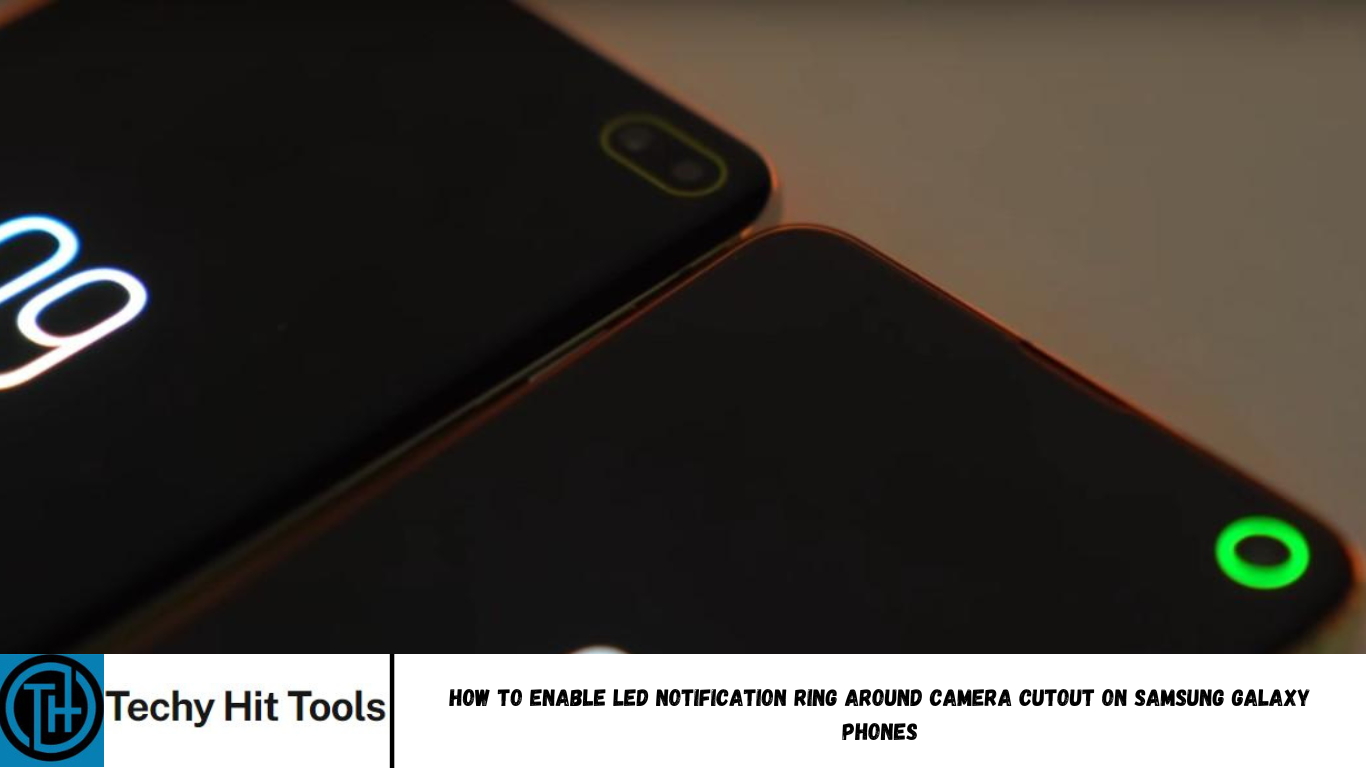
Smartphone trend changes every time. The current trend you will see in mobile phones right now is achieving the highest screen to body ratio. This new trend has brought the OEM manufacturers to implement a notched display or screen. Ever since Apple launched its iPhone X, there have been several Android devices with similar notched design. Eventually, the notch changed and reduced to a water-drop shape as sen on the OnePlus 7, Essential Phone, Samsung Galaxy A30, A50, M30, M50, and many more. Or even a punch-hole technology such as the Samsung Galaxy S10 and the Note 10.
These changes have deprecated some essential features from the phones including the LED notification indicator, the entire front speaker grill for some, Iris scanner, dedicated face recognition sensor, etc. The most missed of them all is the LED indicator. So a LED indicator is a simple light which lights up whenever a notification arrives, battery is low, or the phone is in charging or charged state. So if you miss the LED indicator, then you are in luck. Because here in this tutorial we will show you exactly how to bring the LED indicator back to life on your Samsung Galaxy devices.
Enable LED notification camera ring on Galaxy S10/S10+/Note 10/10+ using Good Lock 2019
The Good Lock 2018 came as a blessing from Samsung for all Galaxy devices running stock Samsung Experience 10 or the latest OneUI firmware update based on Android 9 Pie. Good Lock features several customization options. The one we are concerned about here is the new LED notification light ring using of Good Lock’s plugin called EdgeLighting+. The latest version of EdgeLighting+ has an effect called Eclipse which creates a LED ring around the punch-hole camera cutout on the Samsung Galaxy S10e/S10/S10+ and the latest flagships Note 10 and Note 10+. So whenever a notification arrives, the LEDs around the camera will light up giving the essence of LED indicator.
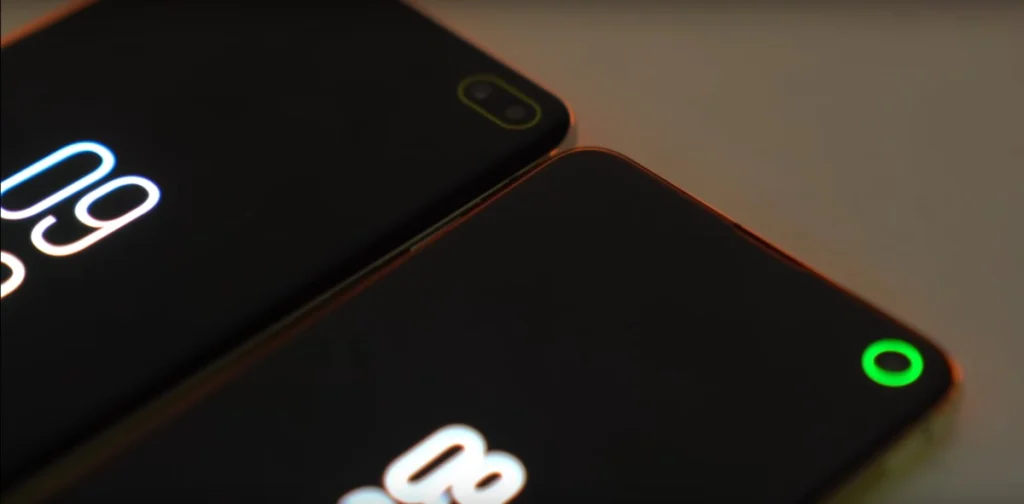
So how to enable Samsung Galaxy S10 and Note 10 LED RING notification using Good Lock 2019?
- Download the latest version of Good Lock 2019 from here.
- Install Good Lock and all of its plugins – especially the Edge Lighting+.
- Launch the EdgeLighting+ plugin from the Good Lock app.
- Select Effects.
- Scroll to the last Eclipse effect and select it.
- Enable it.
- You will also need to enable Always on Display from settings.
Enable LED indicator light around camera on Galaxy A20/A30/A50/M10/M20/M30/M40
For the rest of the Samsung Galaxy devices you can enable LED Notification using this trick. As for the rest of the Samsung Galaxy phones that comes with a water-drop notch such as the A-series A20/A30/A50 phones and M-series M10/M20/M30/M40 phones, the Eclipse option from Good Lock may not work. You will need to download an app called aodNotify.
The app will:
- Add Notification light / LED for S10, Note 10 and more smartphones that fall under similar categories
- Activate Always On Display (AOD) on notifications
- Enable Edge lighting effect for incoming notifications
- Disable Always On Display when notifications are cleared
- Select apps which can turn on Always On Display
- Activate Always On Display while charging
- Minimal battery consumption
You can also change the position and dimension of the given LEDs that are going to light up. The app can add a notification light (or LED notification) around the entire panel, around the camera cut-out, or the drop notch. So whenever a notification arrives, the LEDs will light up along with the Always On Display.
How to Enable LED notification using aodNotify?
- Install the aodNotify app and launch it.
- Allow all the permissions required by the app.
- Provide notification access.
- Select which apps can enable AOD and Edge Lighting.
- Install AOD Manager.
- Select done.
- From the aodNotify panel, enable Edge Lighting option.
- Select and configure the Effects, Dimensions, and LED colors.
- Save and you are done!