
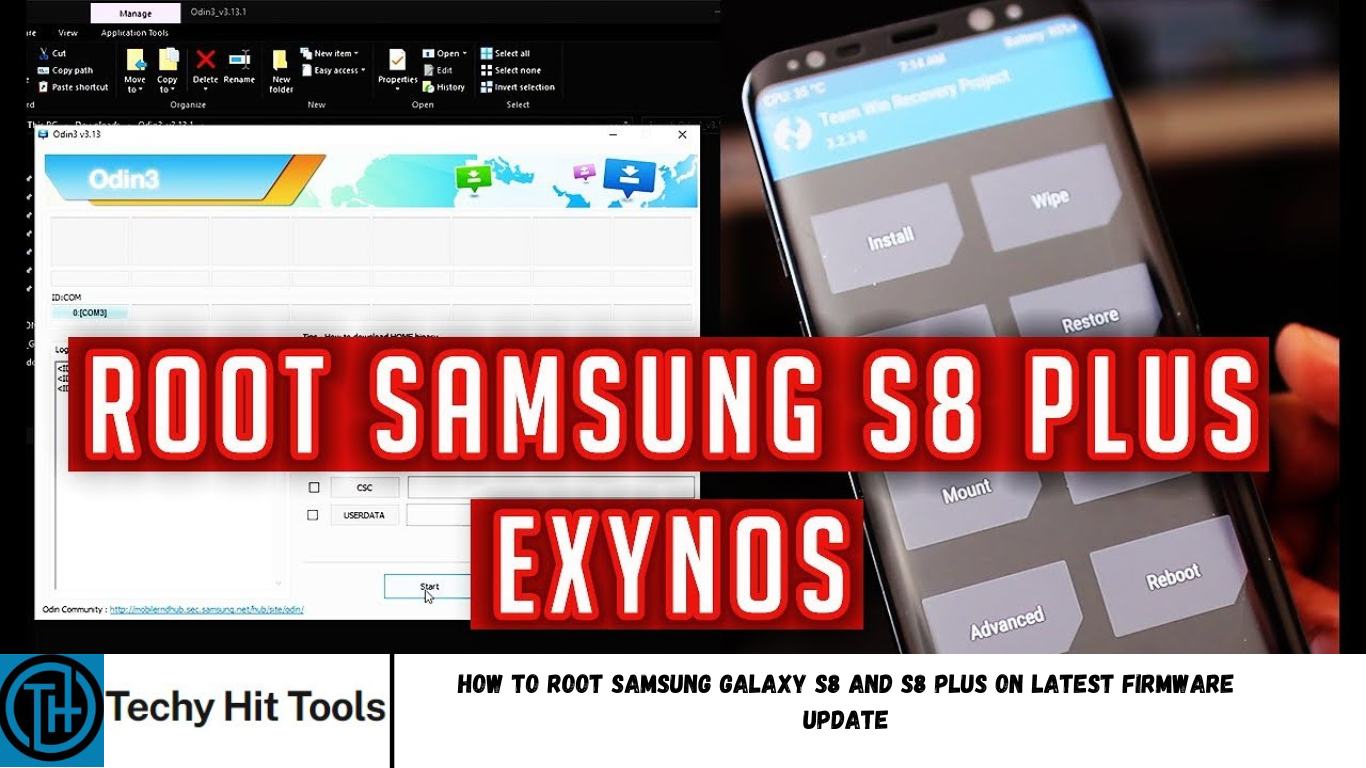
Rooting Android phones have gained quite some popularity in the last couple of years and the Samsung Galaxy S8 being one of it, you can root it as well. Gaining root access is not an additional functionality or a feature. It is actually an exploit. Meaning, you are penetrating into the stock secure firmware on your S8 device and manipulating the system from the core. With advancements in rooting, the procedure has become quite easy. Especially with an Odin software for PC and the latest TWRP 3.1.0+ custom recovery, rooting the Samsung Galaxy S8 on variants such as SM-G950F/FD/X/N and the S8 Plus G955F/FD/X/N has now become possible.
The official TWRP recovery for the S8 Exynos models is now available and thus, rooting the Android device is possible by flashing the new Magisk 12.0+ module. Moreover, due to encryption, the TWRP may cause problems reading the storage and SD card. Moreover, the system and TWRP doesn’t work well due to Samsung’s encryption and DM-Verity features. Hence, you will need to flash an additional decryption zip. Remember, this is only for the S8 Exynos variants. Do not try this on any Snapdragon 835 variant devices.
Download Galaxy S8 rooting files
- TWRP for Galaxy S8 dreamlte (Exynos vaiants – G950F/FD/N/X) | Download
- TWRP for Galaxy S8 Plus dream2lte (Exynos variants – G955F/FD/X/N) | Download
- Latest Magisk 12 | Download link
- Download S8 decryption zip | Download | File: no-verity-opt-encrypt-5.1.zip
- Latest Odin 3.12.3+ | Download link
- Samsung mobile drivers | Download link
Warning: Rooting or installing a custom package like TWRP may void S8 device warranty and may trip Knox for Samsung. While this procedure has been tested on S8 and other Samsung phones, it may fail for you. Reader’s discretion is advised.
How to Root Samsung Galaxy S8 (Plus) on latest Nougat firmware update? [G950F/FD/X/N & G955F/FD/X/N]
As the CFAR root is discontinued for Samsung, the only way to root is via a traditional method which is now the most common method to root any Samsung phone. First, you will need to flash TWRP recovery via Odin software by adding it to the AP section. Later, flash the Magisk package to gain root access. If something goes wrong, you can re-flash the complete stock firmware via Odin and restore S8 (Plus) firmware. Download full firmware package from here.
Prerequisites to root S8
- Verify your device for compatibility. The listed rooting method is for Samsung Galaxy S8 with Exynos models only.
2. “Enable OEM Unlock” from Developer Options before you proceed. this is important. Enable Developer options from Settings>About Phone> Tap on the Build Number several times.
3. Enable USB Debugging from Developer Options and enable USB Debugging from there. Also enable advanced reboot.
- Make sure you have latest Samsung mobile drivers setup on your PC for a better connection.
Rooting Instructions for S8
Step 1: Download the TWRP recovery for your for your Galaxy device. Transfer it to PC where you can easily locate it. Also, transfer Magisk and No encryption zips to phone storage.
Step 2: Reboot your device into Download mode or Odin Mode. Turn off your device completely and then press and hold Power button + Volume Down + Home keys for a few seconds.
Step 3: Extract and run the Odin3_3.12.3.exe file on PC as administrator.
Step 4: Connect your device to your PC using a USB cable while phone is still in the Odin Mode.
Step 5: The ID: COM in the Odin will turn Blue with an Added!! message.
Step 6: Click on AP button and add the TWRP recovery TAR file.
Step 7: Remove Auto Reboot checkbox in options and proceed with installation by selecting Start button.
Step 8: Once you get a PASS! message in the Log tab, TWRP is installed.
Step 9: Now directly reboot into TWRP recovery by turning off and holding Volume down + Pover button.
Step 10: From TWRP, take a complete Nandroid Backup.
Step 11: Tap on Install and flash the no-verity-opt-encrypt.zip to disable encryption and dm-crypt.
Step 12: Later, flash the Magisk-v12.0-arm64.zip via TWRP.
Step 13: Once done Reboot the device to system.
That’s it. Grant root access with the latest Magisk Manager app. If the system doesn’t boot up for a long time, then go to this link to troubleshoot. Follow and like us on social media.