
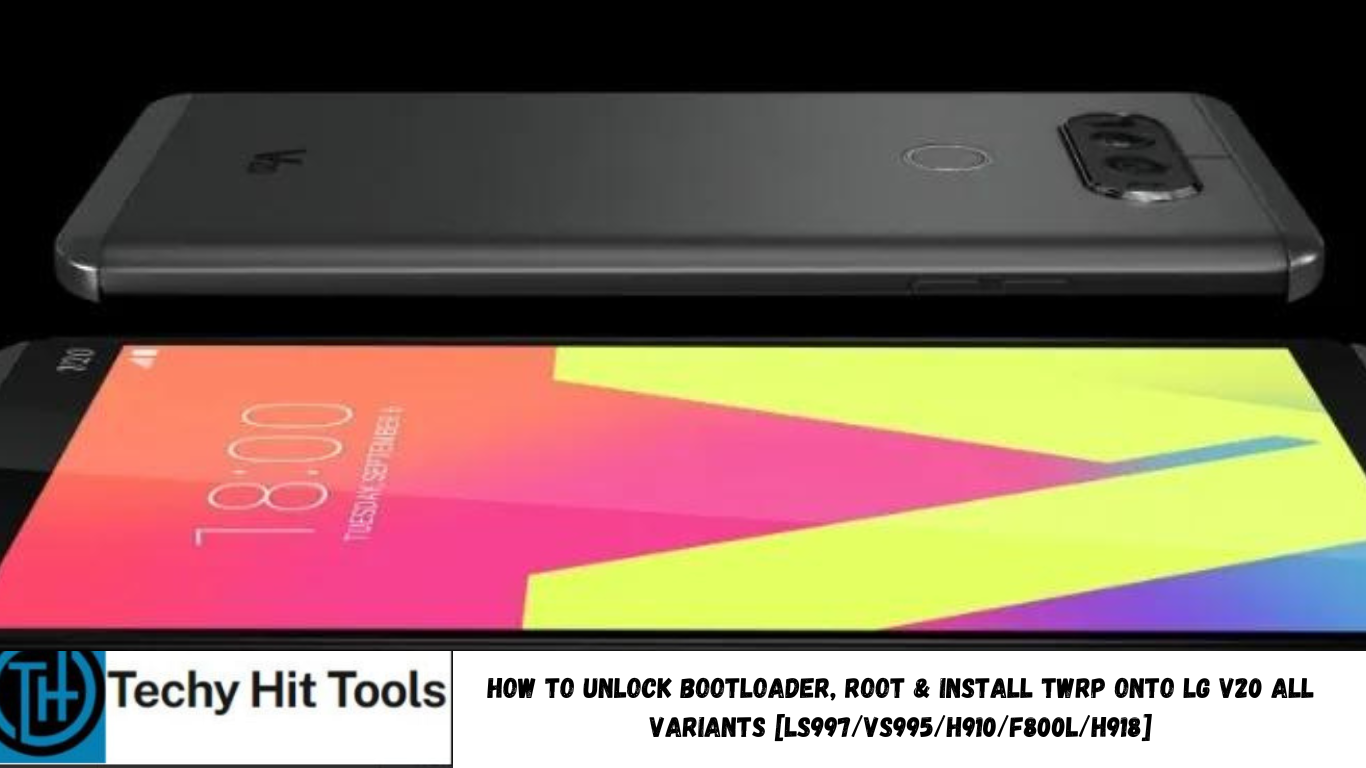
The LG V20 which is the Korean manufacturer’s latest flagship phone, amid rumors of yet another LG G6 phone, has now received the most awaited rooting guide. The guide provides us with an exploit to first unlock the bootloader using various patches and batch files, then setup TWRP and ultimately flash the latest SuperSU 2.79 for root access. XDA member me2151 has come up with a DirtySanta Bootloader unlock and Root guide for most of the LG V20 variants including Sprint LS997, Verizon VS995, AT&T H910, Korean F800L. The T-Mobile H918 LG V20 variant has a simple root method as listed below.
Before you proceed, there is something you need to know. This is an exploit and may not prove to be stable with all of the V20 devices. There are some issues with this rooting method which are listed below. Also, international variant H990DS may receive support in the future. Moreover, there is an ongoing one-click root APK project for all LG V20 devices. So you should consider waiting for it or simply proceed with this root method.
Working Devices:
– Verizon (VS995)
– Sprint (LS997)
– ATT (H910)
– Korean(F800L)
Issues and bugs with this LG V20 Root:
- AM & FM Radio no longer works
- Boot time extended
- No way to revert back to stock (As no KDZ files are available)
- Comfort view does not work on Sprint variant
- Youtube won’t work if you update. Go to apps>youtube and uninstall the update.
- And more.
Download Bootloader Unlock, TWRP, and Root files for LG V20 Sprint/AT&T/Verizon/Korean
- v20-root.zip (Contains bootloader, root & TWRP, batch/sh files )
- TWRP
- Terminal Emulator
- UPDATE-SuperSU-v2.79-SYSTEMMODE.zip (SuperSU v2.78 SR5 or greater is needed)
- LS997-deODEXd-signed.zip for Sprint users only. (Fix’s numerous problems)
- LG USB Drivers → Windows | Mac
Disclaimer: Unlocking the bootloader, rooting or installing a custom recovery shall void your device’s warranty. Even though this has been tested on other LG devices, we won’t be responsible for anything that happens. You may lose data, apps, etc. in the process. Hence backup. Reader’s discretion is advised.
How to Unlock Bootloader on LG V20
Prerequisites
- Enable USB Debugging on your device. To do so, go to Settings>About Phone> Tap on the Build Number several times until you get a new Developer Options in theSettings. Open Developer Options and enable USB Debugging from there. Trust the connection by allowing it when you connect it to your PC for the first time.
- For ADB and Fastboot download the quick ADB and Fastboot Installer from here for Windows users or easily setup ADB and Fastboot on Mac OS, Linux or Chrome OS from here.
- Enable OEM unlock on your phone. Activating the “Enable OEM unlock” is necessary for the bootloader unlock. To enable OEM unlock, go to Settings >> Developer options and check Enable OEM unlock.
- Verify your device for compatibility. Also, make sure you have latest device drivers setup on your PC for a better connection. Get it from the official page of your device manufacturer.
- Make sure you have Terminal emulator app installed on your phone.
Installation Instructions
Step 1: Make sure you setup ADB and Fastboot on your PC, Mac or Linux machine.
Step 2: Download and transfer all the files from above to your PC or wherever the ADB is installed. Also, extract the “v20-root” folder. Copy twrp-3.0.2-1-us996.img to ADB directory as well.
Step 3: Connect your Android device to the PC and trust the connection- tap Yes on “Always allow from this computer” when you plug in the device into PC for the first time.
For Windows, run the “RUNMEFIRST.bat file and do not close the log window that’s shown. Now, run the “Step1.bat” For Linux/MacOS run the files RUNMEFIRST.sh and Step1.sh.
Note: You may get a permission denied error when you run the above files: Flatland and Flatland64. Ignore it and proceed.
Step 4: Next, you will get a shell prompt on the Step1.bat command window, issue the following commands:
Step 5: On your LG V20, launch the Terminal emulator app and enter the following code:
id
Step 6: You shall receive context=u:r:untrusted_app. If it does not show the untrusted_app context, start over the process.
Step 7: Now issue the following code in the Terminal Emulator:
applypatch /system/bin/atd /storage/emulated/0/dirtysanta
Step 8: Take a look at the RUNMEFIRST dialog. When it tells you to run Step2, run it. On Windows, double-click “Step2.bat” and Linux Step2.sh.
When the Step2.bat file has completed the operation, the bootloader is unlocked. Its time to install TWRP recovery.
How to Install TWRP and Root LG V20 all variants?
Make sure your device’s bootloader is unlocked properly or you may risk brick. Again, go through all the pre-requisites in the above method and connect your device to PC and open a terminal. Download the latest TWRP for your LG V20 from above.
- Now flash the TWRP recovery. Run the Step3.bat file. This procedure will help and setup TWRP recovery on your LG V20 and also the working boot.img to fix screen issue. For Linux/MacOS, use file Step3.sh.
- Once TWRP is installed, reboot the device into Android system.
How to Fix Bootloop on Samsung Galaxy Device?
If you come across boot loop or your Samsung Galaxy device is stuck at the boot logo then factory reset your device from the recovery. To do so, turn of your device (also remove the battery if applicable and put it back again) and reboot into recovery mode by press and holding Power + Volume down + Home keys for a few seconds. From the Recovery, select Wipe Data / Factory Reset. Confirm the action and reboot once done. Your device should now boot up.
How to Troubleshoot Connectivity problem on Samsung Galaxy Device?
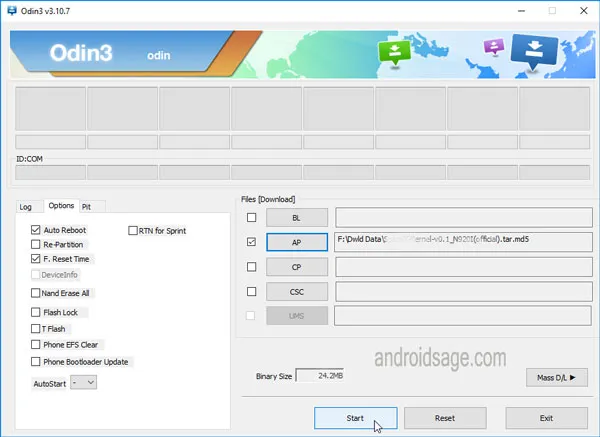
If your device doesn’t show up in the Odin software, then turn off USB Debugging and turn it on again and Reboot. You can also reinstall the Samsung USB Drivers or try changing the USB cable and connection ports from device manager.
How to boot into TWRP
Turn off your device and then press and hold volume down + the power button simultaneously for a few seconds. When you see the TWRP logo screen, you have successfully booted into it.
Alternatively, you can boot into the TWRP recovery by issuing the following command: