
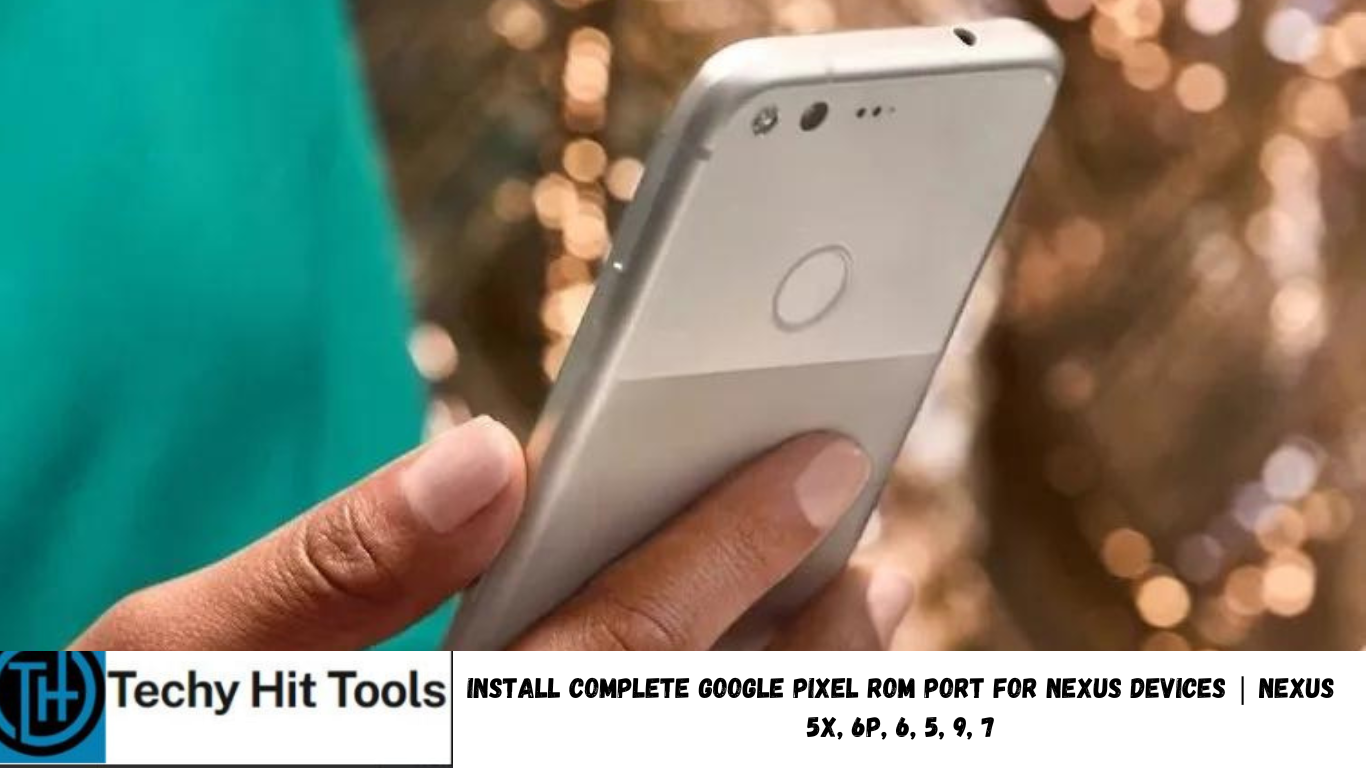
Google Pixel devices have been around for over a month now and come with the latest Android 7.1.1 OS, a revamped UX, and tons of other exclusive features. Android enthusiasts have now started porting these ROMS onto their Nexus devices. Earlier we have posted several Google Pixel apps and features port like the Pixel Launcher, new Google Camera, Dialer, Google Assistant and much more. However, there were no Pixel ROMS until argraur came up with an almost complete Pixel ROM port for the LG Nexus 5X.
The Pixel ROM Port sports tons of features including the complete Pixel UX port, new Google apps like the Assistant, Pixel wallpapers, launcher, etc. as well as the stock Pixel Bootanimation. The most awaited night mode is also available. An important feature about this stunning ROM is that it comes with the latest Android 7.1.1 Nougat firmware pre-rooted and TWRP intact.
SystemUI with Pixel’s Navigation Bar is also working with the ROM’s framework. Support to get Round Icons and Night Light Mode is also working. CF-AutoRoot has been used to root. The Pixel ROM installation is simple (just one click) and can be flash using any operating system like Windows, Mac OS or Linux. So hit the download section below and get ROM for your Nexus device.
Features of Google Pixel ROM for LG Nexus 5X
- Modified SystemUI with Pixel’s white navigation bar
- Pixel Launcher
- Removed Android Beta screen at boot
- Pixel Launcher Icons
- Pixel Wallpaper Picker
- Pixel SetupWizard
- Pixel Bootanimation
- Android 7.1.1 D
- CF-AutoRoot by Chainfire
- TWRP 3.0.2-3
- Google Assistant
– from version 2.0 - Round Icons
- Battery Saver, not orange, it’s transparent
- Night Light Mode
- Surround sound
- TWRP-3.0.2-3
- Framework with blue Pixel theme
- New icons for Settings and Downloads apps
- Live Earth wallpapers
- New libraries
- Flash-PixelROM-Linux.sh! (Linux support)
From version 3.1.1 since 3.0: - MacOS Support (Flash-PixelROM-Mac.sh)
- New default wallpaper
- Sounds from Pixel (works, only after clean install)
- New sounds are default (works, only after clean install)
- Pixel Launcher is updatable
- Updated messenger from version 3.2:
- Pixel Bootlogo
- Pixel fastboot
- New boot animation which compatible with new boot logo
Download Google Pixel ROM Port for Nexus phones
- Google Pixel ROM port for LG Nexus 5X→ Download | File: PixelROM-v3.1.1-20160311-TESTED-STABLE-bullhead.zip
- PixelROM Bootlogo Add-On (v3.2.1) for LG Nexus 5X→ Download | Size: 2.5 GB when extracted
Note: The complete Pixel ROM is just available for the LG Nexus 5X. The ROM contains vendor, bootloader,radio and etc.
TWRP Flashable Pixel ROM package for Nexus 6P:
Here is a TWRP Flashable Google Pixel package for Nexus 6P running on both the official Android 7.0 Nougat NBD90X and The Android 7.1 Nougat Developer Preview NPF10C.
Download Pixel Launcher+Navbar Icons v2.1 for Nexus 6P
- NPF10C (Android 7.1.1 Dev Preview)
- NBD90X stock official
Note that this package is TWRP flashable. So do not use the below tutorial for this package. Visit source for later updates.
Pixel ROM for Nexus 4, 5, 6, 7:
For users running Nexus 6P, Nexus 6, or other Nexus range phones, do not have support for this specific ROM. You can make use of our other Pixel apps and feature port tutorials. Here is the list:
- Here is the Android 7.1 Nougat r4 NDE63P based Pixel ROM for Nexus 4, 5, 6, 7
- Download official Google Pixel Launcher, Icons, and Google Wallpapers
- Download Google Pixel Apps and Features for your Android
How to Install Pixel ROM Port on Nexus devices?
Prerequisites
- Make sure you have an Unlocked Bootloader. This is required most commonly for custom TWRP recovery installation. If you have unlocked the bootloader, then you can flash the ROMS right away.
- Although the Pixel ROM will flash a TWP build automatically, it is still advisable to flash the latest TWRP build. Also, get here to know how to flash it.
- ADB and Fastboot environment on PC is also required. Get here to setup on any OS.
Installation Instructions for Pixel ROM port onto Nexus
Although this is a custom ROM, you will need to install it via fastboot and not TWRP. If you already have TWRP, first take full Nandroid backup: Backup partitions- system, data, boot, recovery, EFS and cache(optional). Remember, this ROM only works with LG Nexus 5X!
Step 1: Download the official Pixel ROM port package.
Step 2: Transfer all the files above to your PC. Extract the ROM file onto your PC, Mac, Linux machine.
Step 3: Reboot into fastboot mode. Power off completely and then press and hold the power button and volume down key for a few seconds. (Power + Home + Volume down/up)
Step 3: Now connect you Android to PC and go to the extracted Pixel ROM file. Run Flash-PixelROM-Windows.bat on Windows PC. For Mac OS run Flash-PixelROM-Mac.sh and Linux run Flash-PixelROM-Linux.sh.
Step 4: Once installed, your device will boot directly to CF-AutoRoot and the device may reboot multiple times.
Step 5: Let it complete and reboot to system.
The first boot may take a few minutes. If your device gets stuck in boot loop or doesn’t show up for more than 10 minutes then perform the operation again without wiping. Otherwise, try a factory reset from TWRP. You can also restore the previous build.