
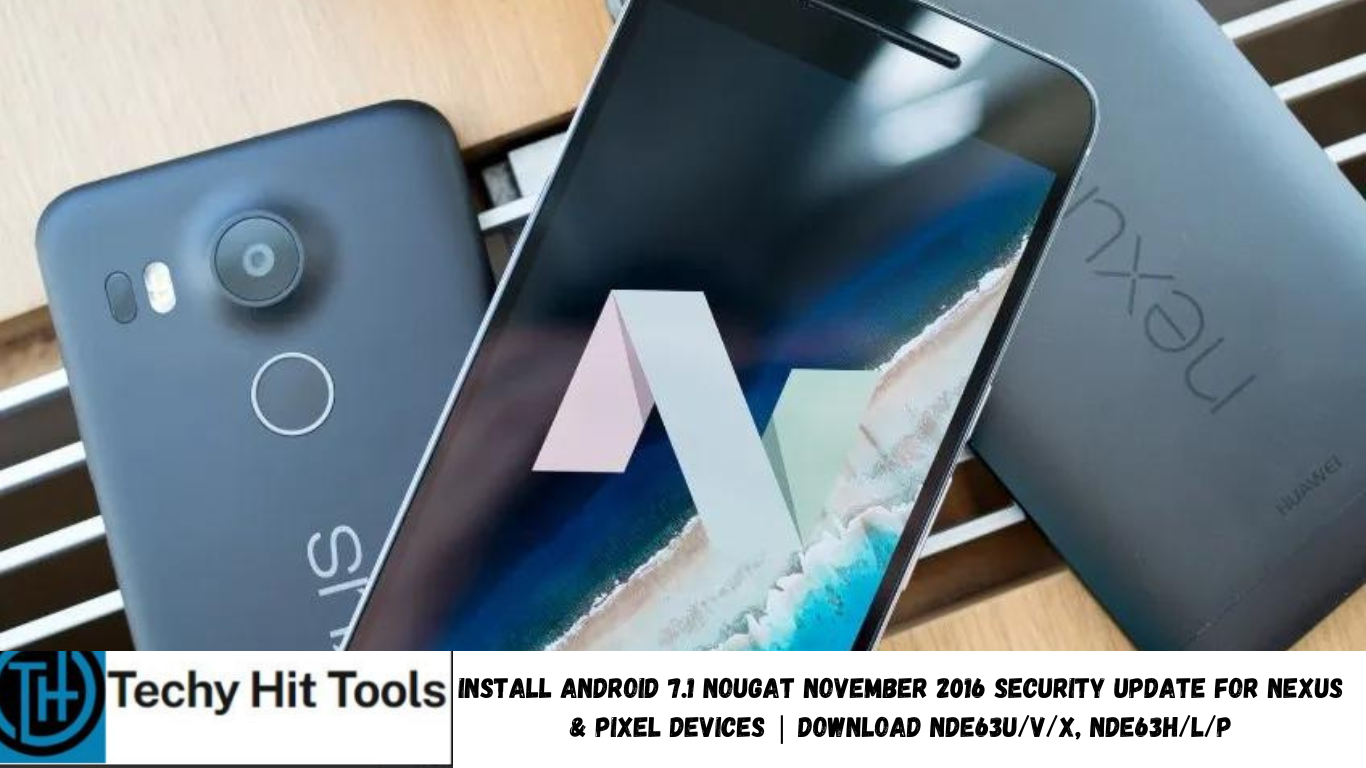
It’s the time of the month that Google releases security updates to the most popular mobile operating system named Android. It now has been updated to Android 7.1.0 for the Pixel phones and Android 7.0 Nougat to the Nexus range. This time Google launched the November 5, 2016, OTA update. The update can be achieved using the system updates option found in your phone’s settings. If you have rooted or modified your system, then you most likely won’t be able to apply the update via a custom TWRP recovery. As an alternative, you will need to download the OTA zip file and install it via stock recovery or simply flash the full factory image. We also have a higher version of Android named Android 7.1.1 Nougat Developer Preview.
November 5, 2016, OTA update patches numerous vulnerabilities and potential loopholes. To be precise the security update patches a total of 47 vulnerabilities including 14 marked as critical, 23 marked as high severity and 10 marked as moderate. This makes the Android OS even more stable and safe. The update comes to us in the form of OTA zip files and full factory images. The installation procedure is simple and listed below in our successful tutorials.
The update brings stock Android 7.1.1 Nougat to Pixel (sailfish) and Pixel Xl (marlin) with build number NDE63V. Moreover, there has been a new Verizon Pixel addition to the list with build NDE63X. The Nexus as usual receives Android 7.0.0 Nougat with Nexus 6P receiving firmware build NBD91K, Nexus 5X updated to NRD91N. Nexus 6 has now received Nougat build number NBD91P along with other Nexus range. Rest of the Google devices including Pixel C, Nexus 9, Nexus Player, Nexus 9 (LTE & WiFi) are now running NRD91N. phones.
For those who are looking for latest Google software can install Android 7.1 Nougat Developer Preview on their Nexus phones. We have also shown you Google pixel apps and feature port like Google Assistant, Pixel Launcher, Google Pixel icons and much more. As an alternate measure, you can also install a CyanogenMod 14 and AOSP based Nougat custom ROM on your Android device.
What’s new in November 2016 Android 7.1 Nougat update for Nexus and Google Pixel?
Google has already updated the November security bulletin. You can find all the vulnerability fixes and the November partial and full update details. The update brings stability and security to the Android system.
Download November 5, 2016, Android 7.1 Nougat OTA for Nexus and Google Pixel
If for some reason you have not received the updates over-the-air using Google FOTA service, then here is the October OTA round up for you.
Google Pixel & Nexus November Security Patches- OTA zip files
- Google Pixel C – (NRD91D) to 7.0.0 (NRD91N, Nov 2016)
- Google Nexus 6P – ((NBD90X) to 7.0.0 (NBD91K, Nov 2016)
- Google Nexus 5X – (NBD90W) to 7.0.0 (NRD91N, Nov 2016)
- Google Nexus 6 – (NBD90Z) to 7.0.0 (NRD91N, Nov 2016)
- Google Nexus Player – (NRD91D) to 7.0.0 (NRD91N, Nov 2016)
- Google Nexus 9 WiFi – (NRD91D) to 7.0.0 (NRD91N, Nov 2016)
- Google Nexus 9 LTE – (NRD90R) to 7.0.0 (NRD91N, Nov 2016)
- Google Nexus 7 2013 WiFi – MOB30X to 6.0.1
- Google Nexus 7 2013 LTE – MOB30X to 6.0.1
- Google Nexus 5 – MOB31E to 6.0.1 (M4B30X)
- Nexus 4 – Android 5.1.1 Lollipop
Google Pixel (XL) OTA update
- Google Pixel – NDE63P to Android 7.1 Nougat
- 7.1.0 (Europe, NDE63U, Nov 2016)
- 7.1.0 (NDE63V, Nov 2016)
- 7.1.0 (Verizon, NDE63X, Nov 2016)
- Google Pixel XL – NDE63P to
- 7.1.0 (Europe, NDE63U, Nov 2016)
- 7.1.0 (NDE63V, Nov 2016)
- 7.1.0 (Verizon, NDE63X, Nov 2016)
How to install November 5, 2016, Android 7.1 Nougat on Nexus and google Pixel via OTA zip files?
The OTA updates can be installed directly with the stock recovery or using the ADB sideload method. For ADB sideload method, you need to setup the ADB and Fastboot environment on your PC. Here is a post on how to install OTA updates manually on Nexus devices. The OTA updates may or may not work for those who have rooted, modified the system heavily or installed a TWRP recovery onto their device. Hence, if you are looking forward to flashing the OTA on with TWRP recovery, it is highly recommended that you back up.
Download November 5, 2016, Android 7.1 Nougat Factory Image for Nexus and Google Pixel
Google Pixel & Nexus November Security Patches- OTA zip files
- Google Pixel C – (NRD91D) to 7.0.0 (NRD91N, Nov 2016)
- Google Nexus 6P – ((NBD90X) to 7.0.0 (NBD91K, Nov 2016)
- Google Nexus 5X – (NBD90W) to 7.0.0 (NRD91N, Nov 2016)
- Google Nexus 6 – (NBD90Z) to 7.0.0 (NRD91N, Nov 2016)
- Google Nexus Player – (NRD91D) to 7.0.0 (NRD91N, Nov 2016)
- Google Nexus 9 WiFi – (NRD91D) to 7.0.0 (NRD91N, Nov 2016)
- Google Nexus 9 LTE – (NRD90R) to 7.0.0 (NRD91N, Nov 2016)
- Google Nexus 7 2013 WiFi – MOB30X to 6.0.1
- Google Nexus 7 2013 LTE – MOB30X to 6.0.1
- Google Nexus 5 – MOB31E to 6.0.1 (M4B30X)
- Nexus 4 – Android 5.1.1 Lollipop
Google Pixel (XL) Factory Images
- Google Pixel – NDE63P to Android 7.1 Nougat
- 7.1.0 (Europe, NDE63U, Nov 2016)
- 7.1.0 (NDE63V, Nov 2016)
- 7.1.0 (Verizon, NDE63X, Nov 2016)
- Google Pixel XL – NDE63P to
- 7.1.0 (Europe, NDE63U, Nov 2016)
- 7.1.0 (NDE63V, Nov 2016)
- 7.1.0 (Verizon, NDE63X, Nov 2016)
How to install November 5, 2016, Android 7.1 Nougat on Nexus and google Pixel via Factory Image?
Here is a tutorial on ow to install November 5, 2016, security patches/updates on your Nexus as well as Google Pixel devices. You can flash the factory images and restore your device to complete stock. It is simple and all the required tools are available in the turorial. Check out how to install Factory Images on Nexus devices (or go to this tutorial )
If you have missed the previous updates for some reason then head over to the following tutorial.
Download September 2016 Security Updates- OTA and Factory Images For Nexus Android 6.0.1 Marshmallow.
How to root Nexus and Google Pixel on latest Android 7.1 Nougat November security patch update?
There are actually 3 ways to root the Android 7.1 Nougat firmware. Checkout out the tutorial on how to root the firmware: 3 tested ways to root Nexus running latest Android 7.1 Nougat. You may also like to check out the latest systemless SuperSU 2.78 R3 to root your Nexus device on the latest Marshmallow as well as Nougat update and still retain the functionality of applying OTA updates as well as Android Pay.