
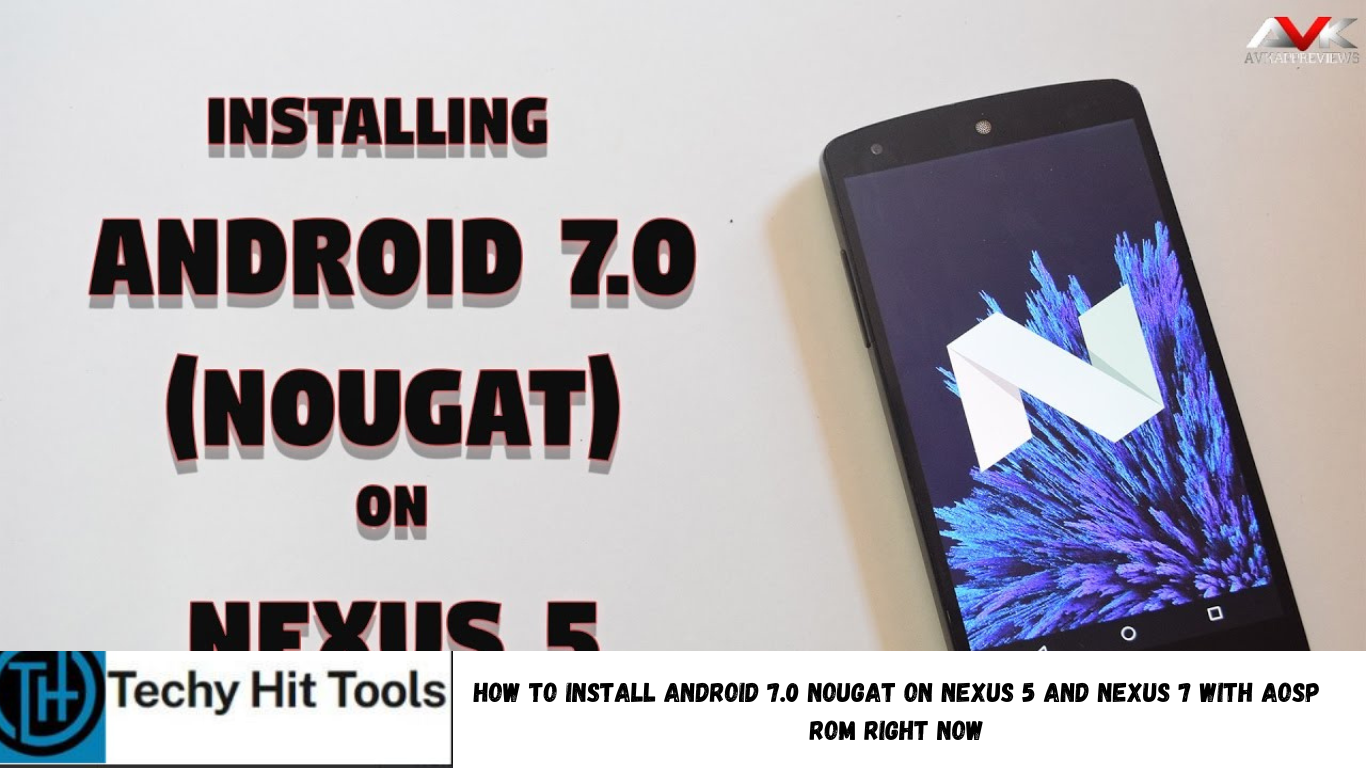
Now that the official Android 7.0 Nougat has been released by Google for its sweet Nexus device range, the new firmware has become one of the most talked about OS on the internet. This means a lot to the Android community as they are assured of receiving a new software update soon onto their device; either officially or unofficially. Today, the Nexus 5 and the Nexus 7 2013 edition have been receiving the Android 7.0 Nougat AOSP. These are unofficial ROM port as the two phones did now receive the official AOSP update.
As the new AOSP source is now available, developers and Android enthusiasts across the globe have started porting this new Nougat firmware onto their devices. As we know, Google has cut off the support for the Nexus 5 and the Nexus 7 2013 edition. Some XDA members have been successful at porting Android 7.0 ROM. This is a great deal for all the Nexus users, as they can now run and experience the latest software onto their own device. Now remember, these are unofficial builds. Hence they may come with some bugs and some of the features may be missing or not supported. Take a look at the known issues and what’s working section and then proceed with the installation.
What’s working with the first build?
With Google Nexus 5
- Wifi
- RIL
- Bluetooth
- Camera
- Audio (works for calls & basics. Haven’t checked music)
- Other stuff.
With Nexus 7 2013
- Wi-Fi
- Bluetooth
- Semi-Working:
- – GApps (Google Play Services always crashing due to some missing location permission)
Known Issues with the first build?
With Google Nexus 5
- Camera pics not getting saved
- Many more
With Nexus 7 2013
- Camera
- Audio
More Nexus devices will be updated as they become available.
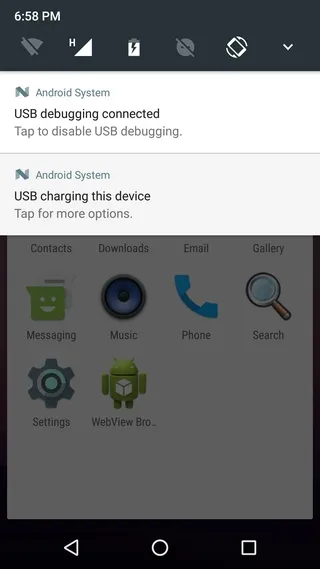
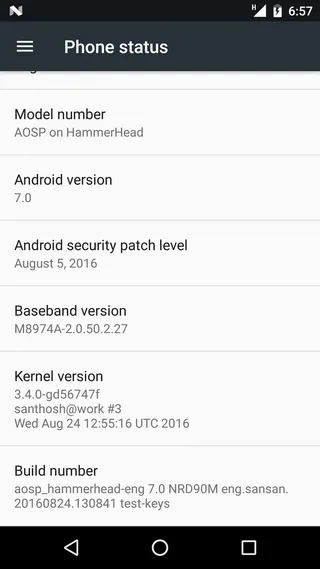
Download Android 7.0 Nougat AOSP ROM
Nougat AOSP ROM Port for Nexus 5
- Build 1: Android 7.0 Nougat AOSP ROM Port for Nexus 5
- → Download | File: aosp_hammerhead-7.0-eng.sansans.zip (262 MB)
- Build 2: Android 7.0 Nougat AOSP ROM Port for Nexus 5
- → Download | coming soon…
Nougat AOSP ROM Port for Nexus 7 2013 edition
- Build 1: Android 7.0 Nougat AOSP ROM Port for Nexus 7 2013
- → Download | File: AOSP7.0-Flo-V1.zip (262+ MB)
- Build 2: Android 7.0 Nougat AOSP ROM Port for Nexus 7
- → Download | coming soon…
Android 7.0 Nougat Google Apps packages: gapps
You won’t need the gapps package with this AOSP build. As AOSP firmware is pre-built with Google apps. This is here just in case CyanogenMod 14 is released and you may need the gapps packages for them. Simply download AOSP from above and flash via TWRP. If you find gapps missing, flash them from below. UPDATE: You will need to flash gapps for Nexus 7 2013 edition with AOSP.
Android 7.0 Nougat compatible Google Apps:
→ GApps → Download Link | for arm, arm64, x86 etc.
Flash SuperSU to root
While there are only reports that the new latest SuperSU 2.76 works with the Android 7.0 Nougat AOSP ROM, we do not recommend doing it unless you are sure. It requires an additional force encryption image to be flashed in order to boot into TWRP which is not just yet available for the two listed devices.
Flash SuperUser for Root Access
→ SuperSU v2.76+ → Download Link | File: UPDATE-SuperSU-v2.76.zip
Warning: Once you root or install a custom ROM, your warranty may be void. Even though the ROM has been tested by many Nexus users you should still be cautious about it and sometimes come across major issues. this is an unofficial AOSP procedure/ROM. Reader’s discretion is advised.
How to Install Android 7.0 Nougat on Nexus 5 and Nexus 7 (2013) with AOSP ROM Port?
Requirements
- Unlocked Bootloader is required most commonly for custom TWRP recovery installation. If you have a custom recovery installed, then you can flash the ROMS right away.
- Make sure you have a custom recovery installed on your device. Latest build from TWRP is highly recommended. Get the TWRP from the download section and get here to know how to flash it.
- Make sure you have latest device drivers setup on your PC in order to transfer the files to your device’s internal storage. Get it from the official page of your device manufacturer.
Installation Instructions for AOSP
Step 1: Download the AOSP ROM and the compatible Google Apps from above. If you want root access, then download the SuperSU package from the list.
Step 2: Transfer all the necessary files to your device’s internal storage or SDcard.
Step 3: Boot into TWRP recovery. To do so, turn off your device completely and then press and hold the power button and volume down key for a few seconds.
Step 3: Take full Nandroid backup: Backup partitions- system, data, boot, recovery, EFS and cache(optional).
Step 4: Wipe the current system.
Step 5: Tap Install, navigate to the AOSP ROM zip file and select it. Confirm action.
Step 6: Similarly, flash the compatible Google apps zip file from the location in your internal storage.
Step 7: Reboot to system.
For a full tutorial: How to Install Custom ROM using TWRP?
How to restore Nexus 5 and Nexus 7 back to stock? Flash Factory Image.
Just in case you would like to revert back to stock, head over to this tutorial. Flash Android 6.0.1 Marshmallow factory image. Like and share us on social media. If you need any help, then comment down below or leave a question in the forum.