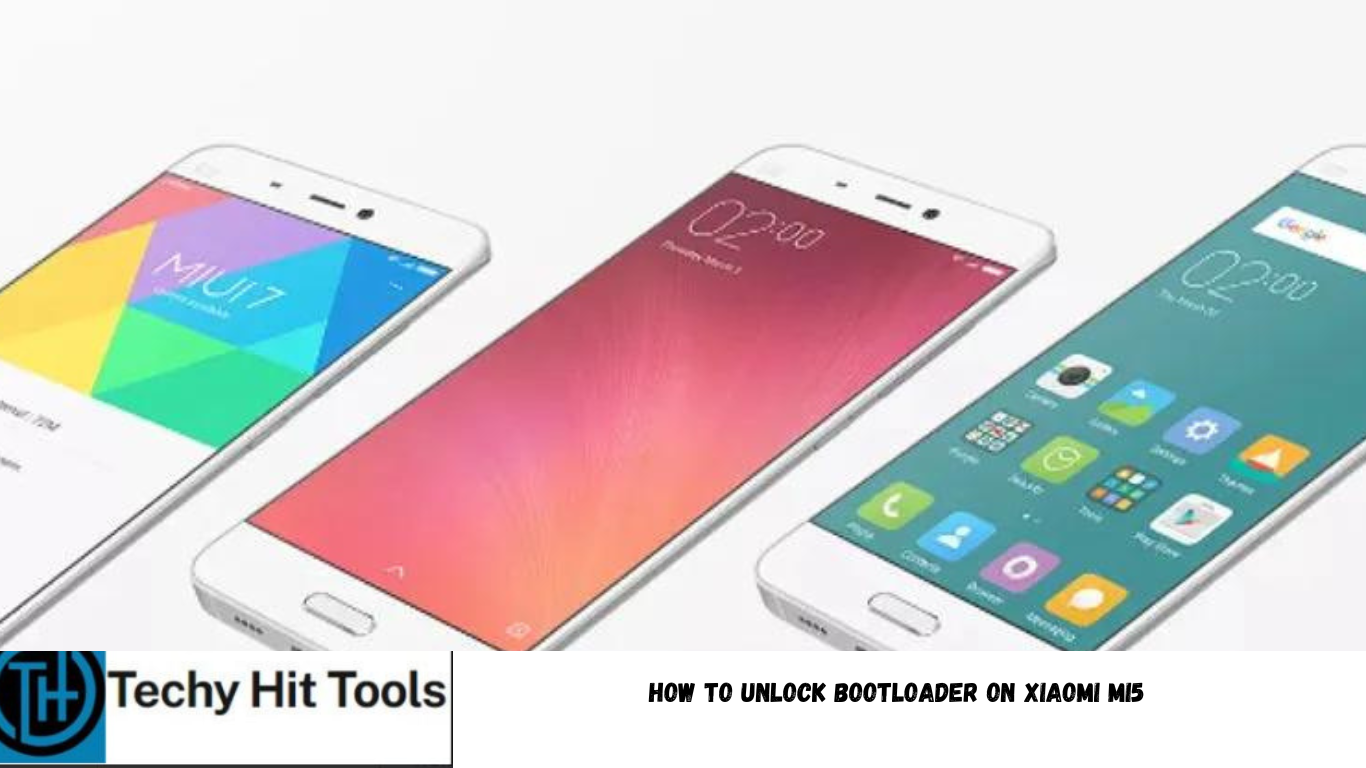
Xiaomi Mi5 is the manufacturer’s current flagship phone and was launched just recently. It is a brand new product from Xiaomi and comes with some top-notch specifications. It has an elegant design and equipped with all the latest and updated tech features. The popular MIUI 7 ROM from Xiaomi has been in the news lately for the official Android 6.0 Marshmallow update that was released for some Xiaomi devices earlier this month. So if you own this device and want to make the most out of it by tweaking, modding, rooting and get into development, then the first thing you need to do is unlock the bootloader on your Xiaomi Mi5. Once you unlock the bootloader, it will enable you to root your Mi5, customize it with TWRP or even flash compatible custom ROMs onto it.
Follow this tutorial to unlock the bootloader on your device officially. this will require you to ask unlocking permissions from Xiaomi on its official website. The official method for bootloader unlock is the most common practice and does n harm; except, you may lose your warranty. For the Xiaomi Note 3, there is an alternate method that bypasses this permission requests and unlocks the bootloader without permissions or approvals. The procedures have been tested working on some Xiaomi Note 3 devices and are applicable only for the Snapdragon variants. The second method has been brought into existence by developers with a thought of not losing warranty on Xiaomi device. On a side note, the bootloader won’t be locked after updating your device. The bootloader can be locked again by flashing the full Fastboot-ROM file that usually includes a flash_all_lock script. One Mi Account can unlock one phone every 30 days.
Warning: Unlocking Bootloader may void warranty. Hence, you should be cautious about it. Reader’s discretion is advised.Xiaomi Mi5 is the manufacturer’s current flagship phone and was launched just recently. It is a brand new product from Xiaomi and comes with some top-notch specifications. It has an elegant design and equipped with all the latest and updated tech features. The popular MIUI 7 ROM from Xiaomi has been in the news lately for the official Android 6.0 Marshmallow update that was released for some Xiaomi devices earlier this month. So if you own this device and want to make the most out of it by tweaking, modding, rooting and get into development, then the first thing you need to do is unlock the bootloader on your Xiaomi Mi5. Once you unlock the bootloader, it will enable you to root your Mi5, customize it with TWRP or even flash compatible custom ROMs onto it.
Follow this tutorial to unlock the bootloader on your device officially. this will require you to ask unlocking permissions from Xiaomi on its official website. The official method for bootloader unlock is the most common practice and does n harm; except, you may lose your warranty. For the Xiaomi Note 3, there is an alternate method that bypasses this permission requests and unlocks the bootloader without permissions or approvals. The procedures have been tested working on some Xiaomi Note 3 devices and are applicable only for the Snapdragon variants. The second method has been brought into existence by developers with a thought of not losing warranty on Xiaomi device. On a side note, the bootloader won’t be locked after updating your device. The bootloader can be locked again by flashing the full Fastboot-ROM file that usually includes a flash_all_lock script. One Mi Account can unlock one phone every 30 days.
Warning: Unlocking Bootloader may void warranty. Hence, you should be cautious about it. Reader’s discretion is advised.
How to Unlock Bootloader on Xiaomi Mi5 Easily
To unlock the bootloader on your Xiaomi Mi5 officially with permissions from the manufacturer, all you need to do is go to the Xiaomi EMUI official unlocking page and create an account. Once done, apply for unlock procedure for your device on the following page by selecting your device. The manufacturer will review your application and may take a week or two for the procedure to verify the device and grant unlocking permissions.
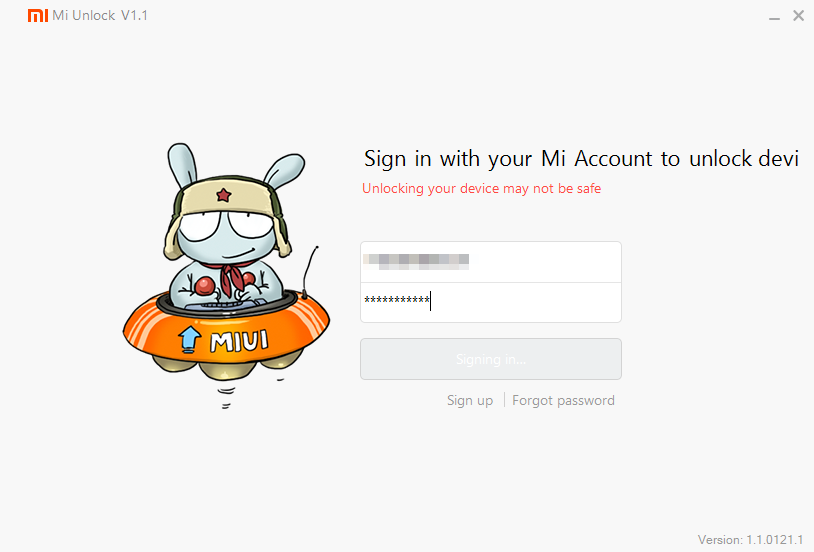
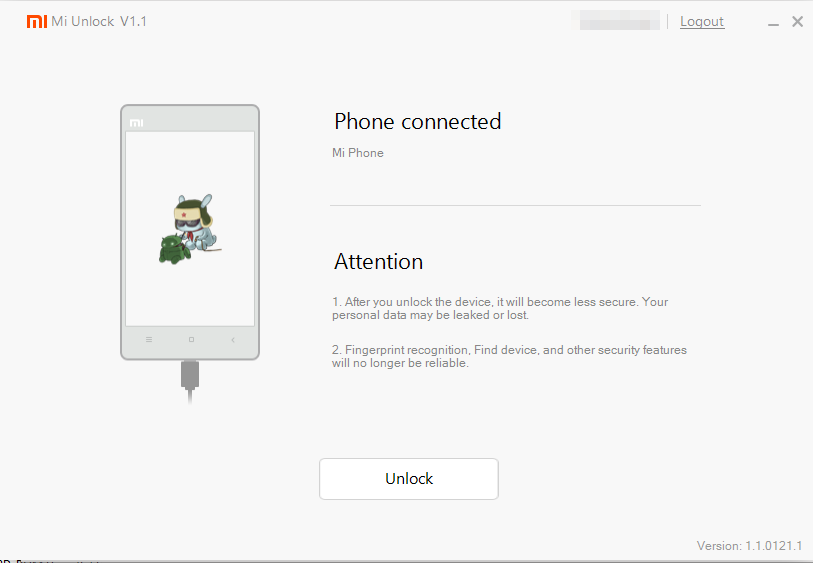
Once your application is accepted go to the second link and download the Mi Flash Unlock Tool, login to your account, connect your device and follow the unlock procedure. Before you proceed, go to Settings>Developer Options and Enable OEM Unlock and also enable USB Debugging on your device. To do so, go to Settings>About Phone> Tap on the Build Number several times until you get a new Developer Options in the Settings. Open Developer Options and enable USB Debugging from there. Trust the connection by allowing it when you connect it to your PC for the first time. You will also find OEM unlock option if your device is running Marshmallow. Take a look at the images from below: