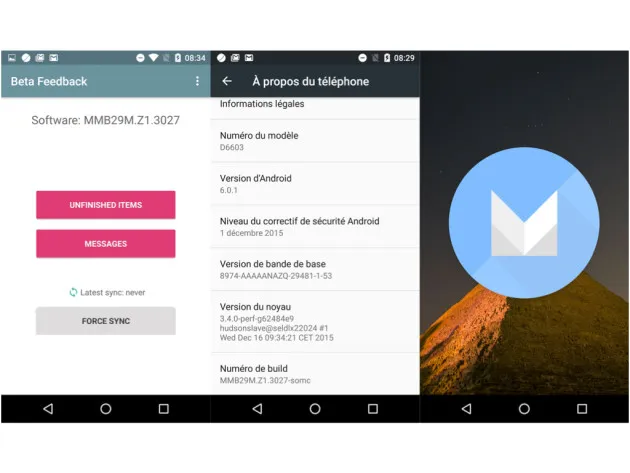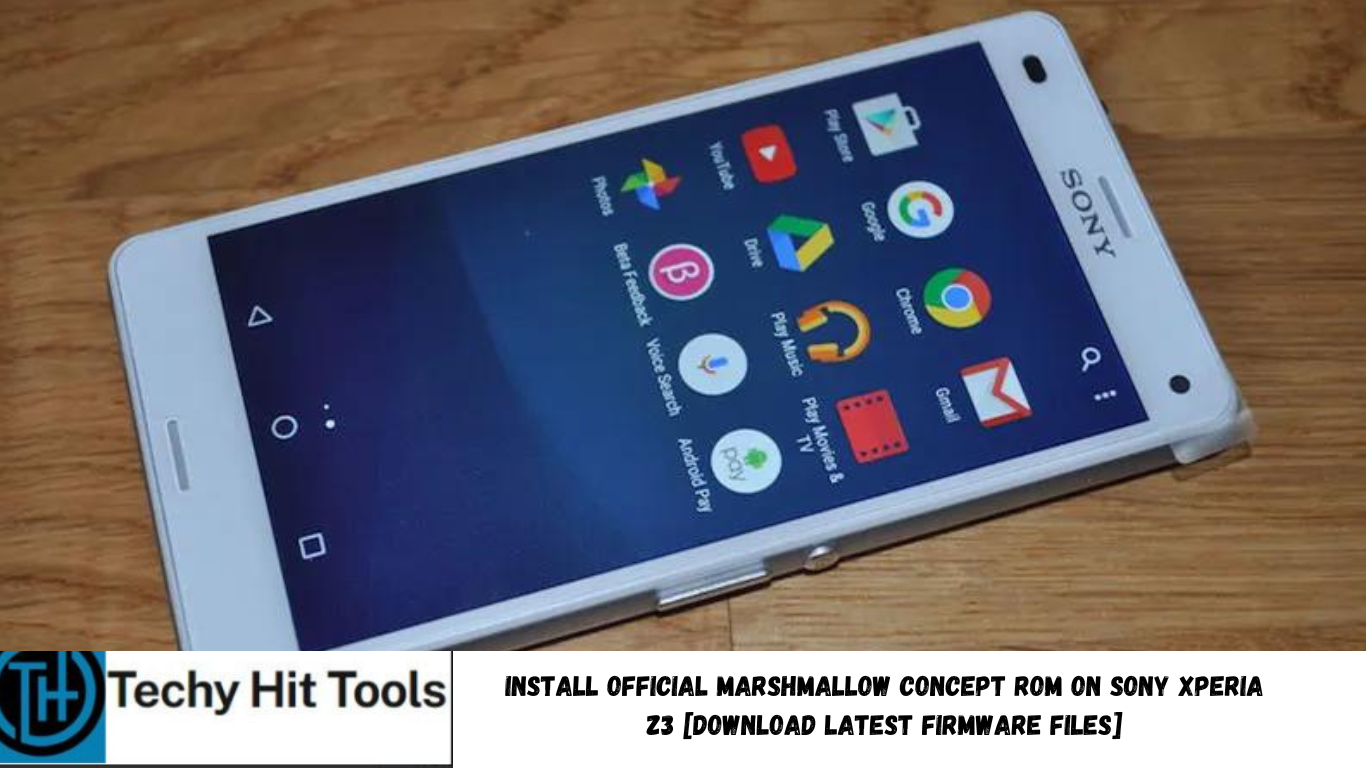
The latest Sony Xperia Concept Software 3027 is now available for the Sony Xperia Z3 D6603 and here we are with the installation guide. Xperia Z3 Compact was the first device to have received similar concept ROM last month. The concept ROM comes officially from the manufacturer and has been tested working on the Z3 Compact device by many of its users on XDA forums.
See: Install Sony’s Marshmallow Concept Software On Xperia Z3 Compact→
The latest Android 6.0.1 Marshmallow concept ROM is now available for Sony Xperia Z3. Along with the latest Android software version, the software brings a brand new Sony UI with the capability of receiving the OTA updates over the air. The firmware comes to us with a .ftf file extension and requires a special Sony Flashtool to upgrade. Follow the procedure below and you will have it in no time.
There are 2 methods to install this Marshmallow ROM. One uses the Sony Flashtool while the other uses Concept Installer. However, it is recommended that you use the first method as the second one may fail sometimes.
This will perform a clean firmware installation and hence a backup is highly recommended. Get the TA Backup tool from the download section. If you are looking for root access on the Marshmallow concept ROM, then you will need to flash the SuperSU package using TWRP. However, to setup TWRP, you will need an unlocked bootloader device. To check this, go to dialer app and enter ##7378423##. Service info->configuration, under “Rooting status“, “bootloader unlock allowed” should say Yes. Note down the IMEI number and get to the Sony’s official website to unlock the bootloader. Get IMEI number by dialing *#06#.
Downloads
→ D6603_Marshmallow_Concept.ftf (928 MB) [Z3 Concept ROM Android 6.0 Marshmallow]
→ Xperia Z3 drivers for Windows
→ Latest SuperSU → Download link
→ TWRP Recovery for Xperia Z3
→ Sony Flashtool
→ Fastboot driver
→ TA backup tools
Prerequisites
- To flash TWRP, you will need to unlock the bootloader on your device. Get it unlocked from Sony’s official website.
- Verify your device for compatibility. This ROM is compatible with Sony Xperia Z3 device only.
- Make sure you have the latest device drivers setup on your PC in order to transfer the files to your device’s internal storage. Get it from the official page of your device manufacturer.
- Fully charge your device as the process make take a while.
How to Install Official Marshmallow Concept ROM on Sony Xperia Z3
Before you proceed, backup everything. Use the Backup tool listed in the download section and perform a full backup. To do so, unzip the TA backup tool, connect your phone to the computer and run the backup-ta.bat file. Once done, follow the instructions below to flash the ROM.
Step 1: Download and Install the Flashtool. Once installed, go to its location. For example, “C:\Flashtool\drivers” and install Flashmode and Fastboot drivers listed in the download section. (Note: On Windows OS 8/8.1/10, you will need to disable driver signature verification).
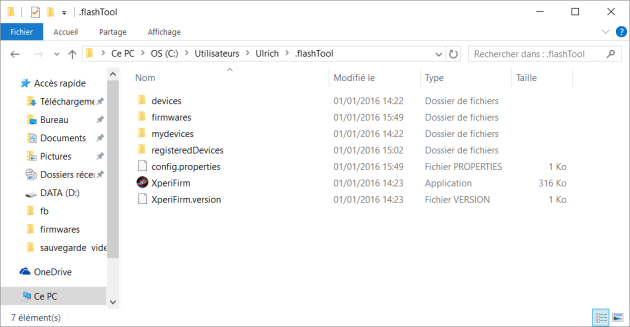
Step 4: Once installation completes, boot your phone normally and you should now be on Concept version 2157. This process may take a while, so be patient.
Step 5: In order to update, Go to Settings->About device-> Software update. You should have an update available, apply it. Your phone will reboot and install the update. Repeat this step until you don’t have any more updates.
This method may sometimes fail. It’s better to use the first method as it has been tested working by some of the users.
Install a Different Stock ROM on Sony Xperia Z3
This method is similar as above, and you can get an official version of the tool Xperifirm, Xperia Firmware Downloader, from XDA forum. Simply select the version of your Xperia Z3, usually D6603 version number. Then select Customized. Go through the procedure from the XDA page for