

XiaoMiTool is the latest stock firmware flashing tool developed specifically for Xiaomi devices. Before this program, the MiFlash Tool was the only official tool to flash the MIUI ROMS. However now, even the Xiaomi developers are implementing the XiaoMiTool. This is because it will let you install all sorts of stock firmware including Global, China, Stable, and Developer ROMS without Unlocking Bootloader on all of the available Xiaomi devices.
This tool comes in handy when your device has a fake ROM installed from a fake seller online. Or simply if your device won’t accept the official MiFlashTool. XiaoMiTool will also automatically install stock recovery. It will perform a heuristic check and list the information of different modules.
Moreover, if you are flashing the unofficial firmware from xiaomi.eu, then it will run the MiFlashUnlock to unlock the bootloader, then it will install twrp recovery and finally the ROM. So it is an all in one tool. Thanks to franztesca, for making this possible.
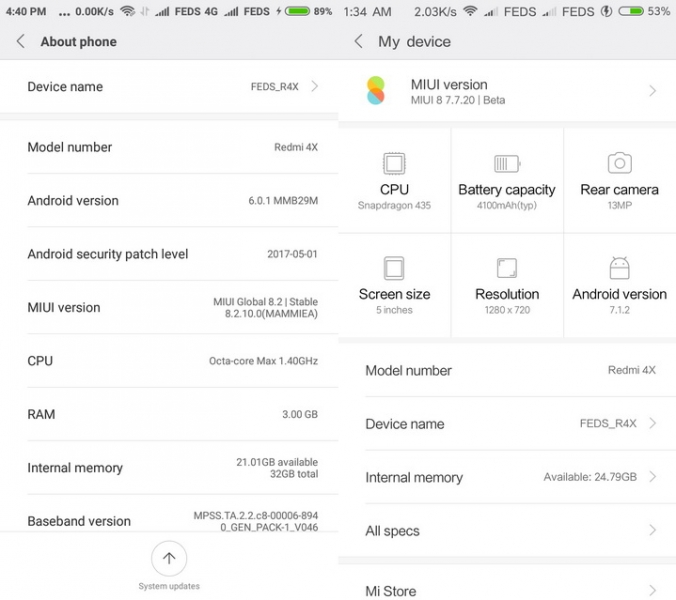
How to use XiaoMiTool?
The usage of XiaoMiTool is pretty self explanatory. All you need to do is install the XiaoMiTool tool on PC, install latest Xiaomi USb mobile drivers, connect your phone to PC, and start flashing stock ROMS.
- XiaoMiTool will help you switch or change different official ROMS like MIUI 9,8,7,6, etc. based on Android 7.1.1 Nougat or Marshmallow.
- It will automatically detect your Xiaomi device along with model number and list all the available ROMS available for download.
- XiaoMiTool will also let you install stock recovery which is currently only available via MiPCSuite.
- It will help you flash any official MIUI 9 or MIUI 8 ROM on a Locked Bootloader. This is not possible via official MiFlashTool. You may need to Unlock the Bootloader (e.g. form china to global)
- XiaoMiTool will enable you to install any stock MIUI ROM including:
- Global Stable ROM
- Global Developer ROM
- China Stable ROM
- China Developer ROM
- Xiaomi.eu Stable ROM
- Xiaomi.eu Developer ROM
- MIUI 9 alpha ROM
- MIUI 9 Beta ROM
- MIUI 9 stable ROM
- And more…
- It can also unlock the bootloader and install TWRP while flashing xiaomi.eu ROMS.
- It will let you flash stock ROM within a few clicks.
- The procedure is automated.
- This tool is free and open source.
How to install stock firmware on Xiaomi using XiaoMiTool?
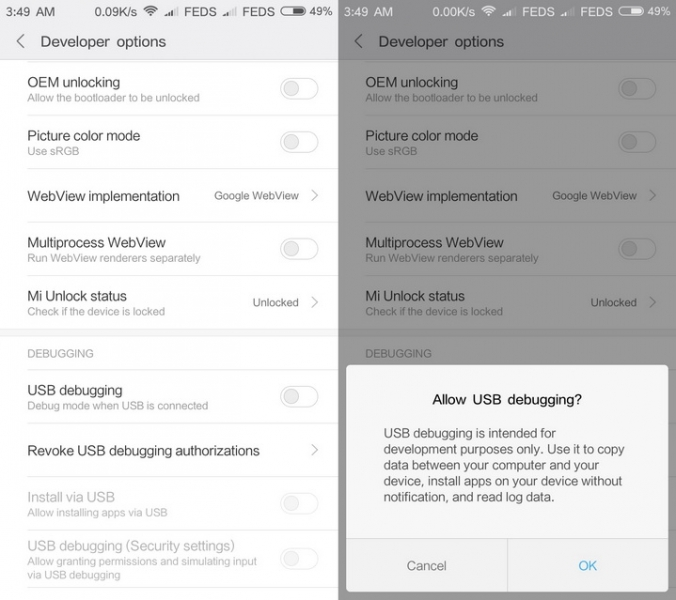
Step 1: Enable USB Debugging from Developer Options on Xiaomi phone. Also, Enable OEM Unlocking and Advanced Reboot just in case from the Developer Options.
Step 2: You may want to Disable Driver Signature Enforcement in Windows 7/8/10 64-Bit.
Step 3: You will need good speed WiFi connection on PC and phone to download the official stock ROM.
Step 4: XiaoMiTool includes official Xiaomi unlock tool. However, you still need to have an authorized Xiaomi account setup on your smartphone.
Step 5: Backup all apps and data. As we are flashing a stock firmware and doing a clean flash, all data will be lost. You may also like to backup internal storage and SD Cards.
Step 6: Download and install the “XioMiTool_0.4.0.exe.zip” listed below. Extract and install the file.
Step 7: Run the EXE file as admin.
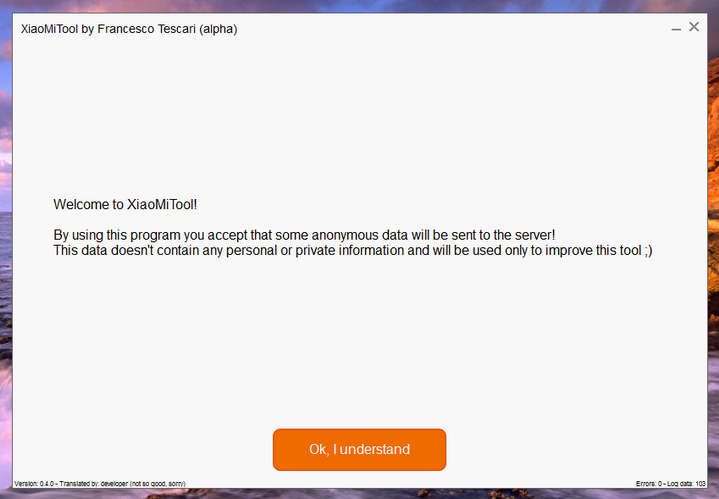
Step 8: Connect Android phone to PC via USB cable.
Step 9: The program will auto detect the device variant.
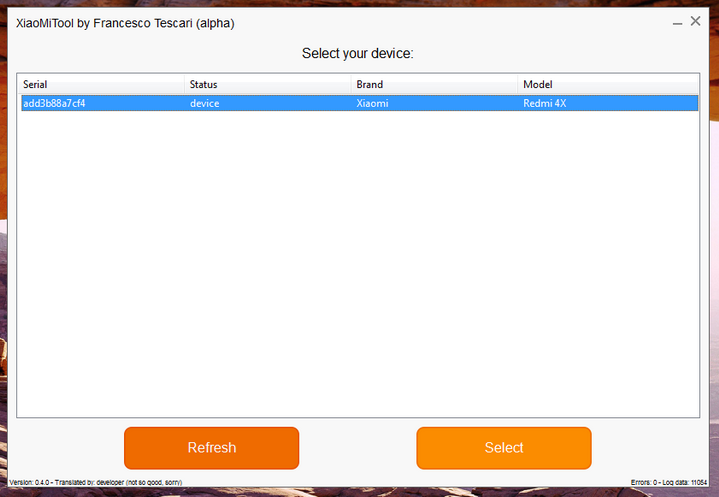
Step 10: Hit Select and proceed.
Step 11: The tool will perform a check.
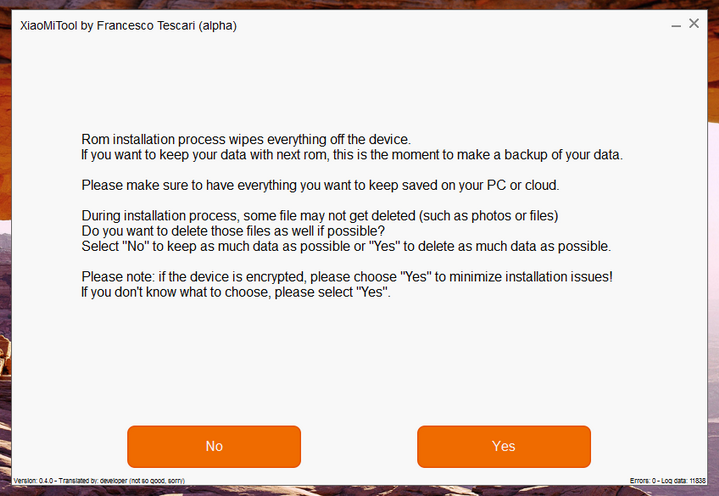
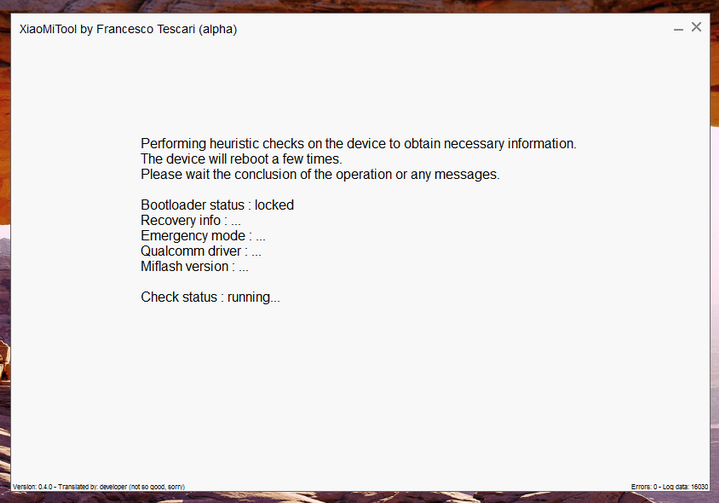
Step 12: It will list all the available Global/China/Stable/Developer ROMs for flashing.
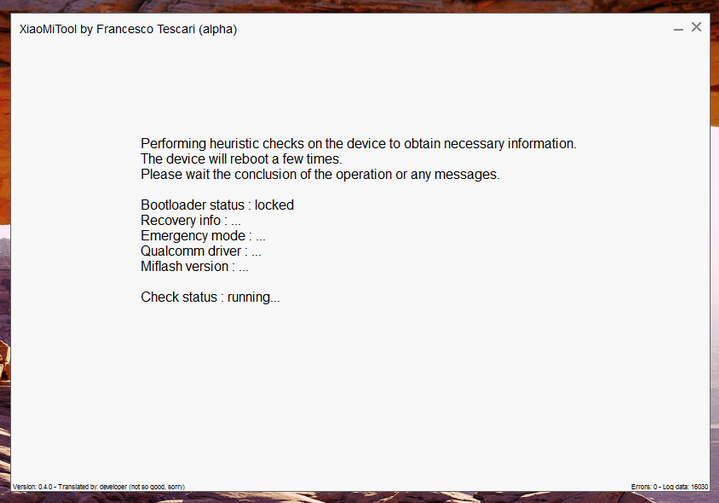
Step 13: Select one and proceed.
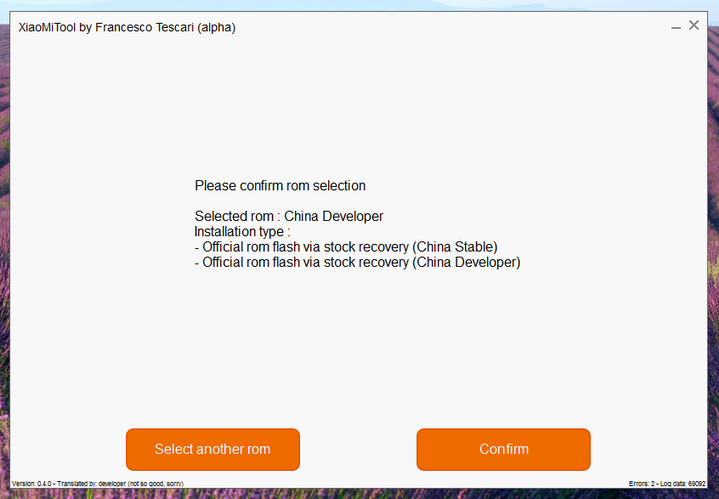
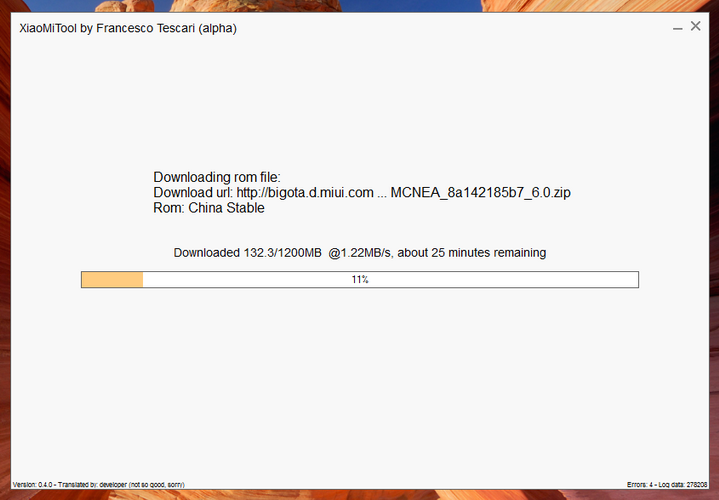
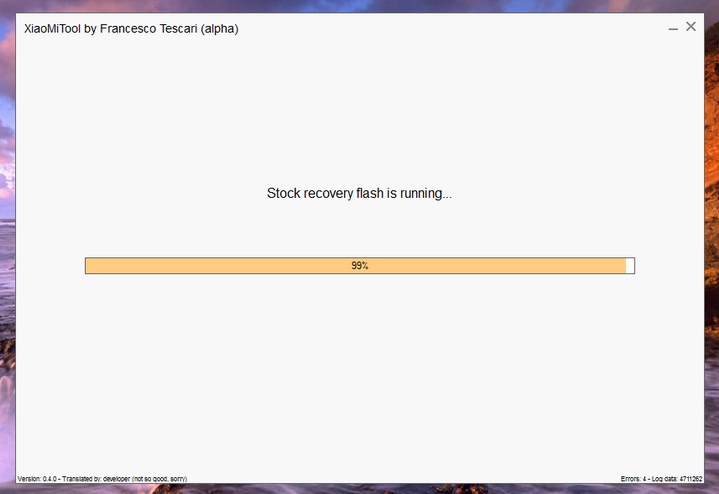
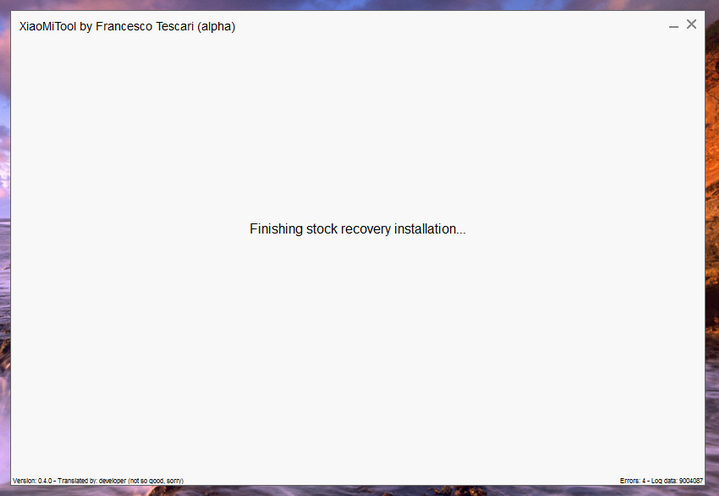
Step 14: That’s it. reboot device to system. It amy take over 15 minutes for the first reboot.
Download XiaoMiTool latest version
XiaoMiTool | Download | Mirror version – XioMiTool_0.4.0.exe.zip (113.1 MB)
We will be updating the latest version here. So stay tuned.