When it comes to rooting Android devices, we see no better alternative than the SuperSU package developed by the recognized Android developer – Chainfire. However, since the introduction of Safety Net into the Android operating system by Google, apps can now detect root access on the system and deny services. Root is actually an exploit and not a feature. SuperSU binaries penetrate into the system, thus giving us extra features. Apps can now detect this exploitation and stop working. Some examples of such apps are Snapchat, Netflix, IRCTC, and several online banking applications. Snapchat declared it won’t work on rooted phones. As the internet banking apps are concerned for the security, they mostly deny services on rooted Android phones.
This is where the Magisk Manager comes into play. It can bypass the Safety Net on Android, enabling apps to work even on rooted Android phones. The best thing about Magisk is that it is systemless from the core. Hence, your device will still receive OTA updates regardless of root. Moreover, it works with Android P, Android 8.1 Oreo, or even the previous version such as Android 6.0.1 Marshmallow, 7.1.2 Nougat, up to Android O. It also has hide root option.
What is Magisk Manager?
Magisk Manager is an open source rooting app developed for Android devices based on the Universal Systemless Interface. Magisk Manager is an application and Magisk v12 zip consists of the framework which can be flashed through custom recoveries. Falling into an open source category, Magisk comes with several modules. Developers have made several Magisk modules like Google Assistant Enabler, Adblock, Viper4Android FX, Dolby Atmos. However, before you install any module, read the description and instructions. There’s a listing of the Xposed module as well. However, Xposed isn’t compatible with Nougat or later. Hence, that won’t work and may even put your device into bootloop.
Magisk Manager can be termed as an alternative to Xposed Framework. As Xposed isn’t available for Android 7.0 Nougat or later, Magisk can be an easy solution. You can find similar modules on Magisk as those found on Xposed.
How to install Magisk on any Android device?
The method is simple. The first thing you need is a custom TWRP setup on your Android. For Samsung, click here. You will also need the latest TWRP version from our downloads repository. Secondly, remove any other SuperSU root active on the device such as that of CFAR.
Moreover, the interface works with most of the Android phones ranging from Google Nexus & Pixel series, Motorola, OnePlus, Samsung, Xiaomi, HTC, LG, Sony, and much more.
Magisk Manager APK has been removed from the Play Store as the app violates Google’s policies; especially bypassing the Safety Net one. Hence you will need to download the APK from the section below.
Download latest Magisk version
- Download Magisk v17+
- Download Magisk Manager v5.9.0+ APK
The latest Magisk v16 comes in support for Android P and Oreo. You can also simply install the Magisk Manager APK on Android and get the TWRP flashable zip version from within the app.
Here is how to flash Magisk v17 zip on Android:
- Make sure you have downloaded the three packages including Magisk Manager, Magisk zip, and Magisk uninstaller.
- Transfer all the files to phones’ internal storage.
- Reboot into TWRP recovery.
- Take a full Nandroid Backup.
- Tap on install and flash the Magisk zip.
- Once done, reboot to System.
In case, the Android gets stuck into bootloop, flash the Magisk uninstaller zip. Alternatively, you can restore the TWRP backup taken earlier. Install the Magisk Manager app and run it.
How to use Magisk Manager?
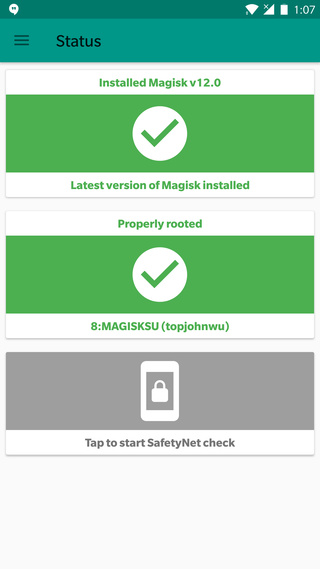
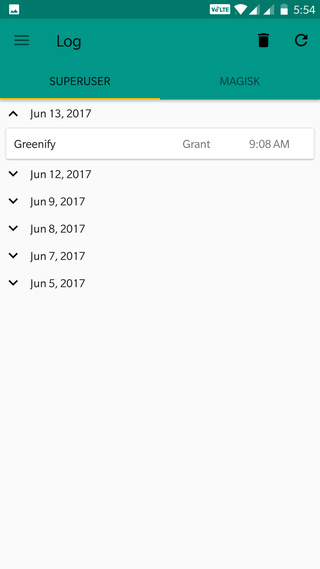
Once you have setup Magisk successfully, run the app and start granting root permissions to root applications. It has super user binaries which help in achieving root access on Android. The systemless SuperSU root is an added advantage.
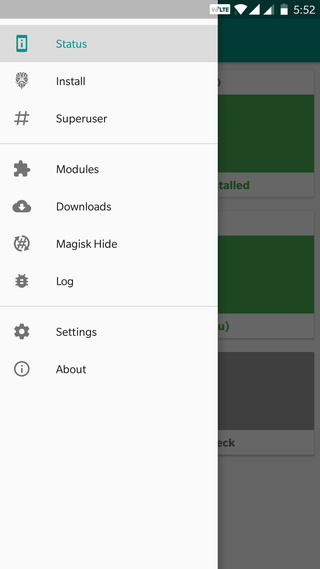
Apart from root access, here are some of the app features:
Bypass Safety Net:
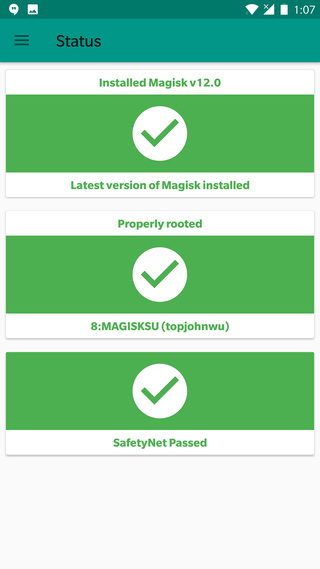
As we have already discussed Google introducing the Safety Net on Android, Magisk Manager can easily bypass Safety Net API. This will allow users to use apps like Snapchat, Netflix, etc; which would rather not work on rooted Android phones.
Hide Magisk:
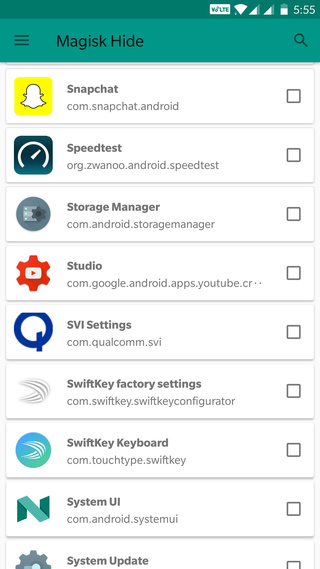
At times the Safety Net can fail and apps can still detect Magisk. There is another feature called the Magisk Hide. The name suggests it all.
Magisk Modules:
The modules are the main attraction of Magisk Manager. Being as open source, there are several of them. You can also add a third-party developed module for your device. These modules enable several features like Viper4Android, Xposed, Assistant Enabler, etc. The Assistant Enabler can enable Google Assistant on all Android versions with Magisk.
Settings:
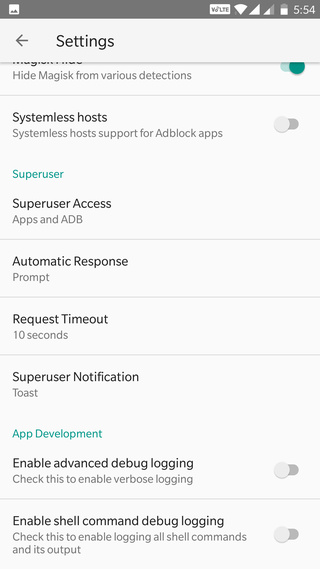
The settings section consists of features like Enable BusyBox, Systemless hosts, app theme, enabling shell command for logs, and much more.