
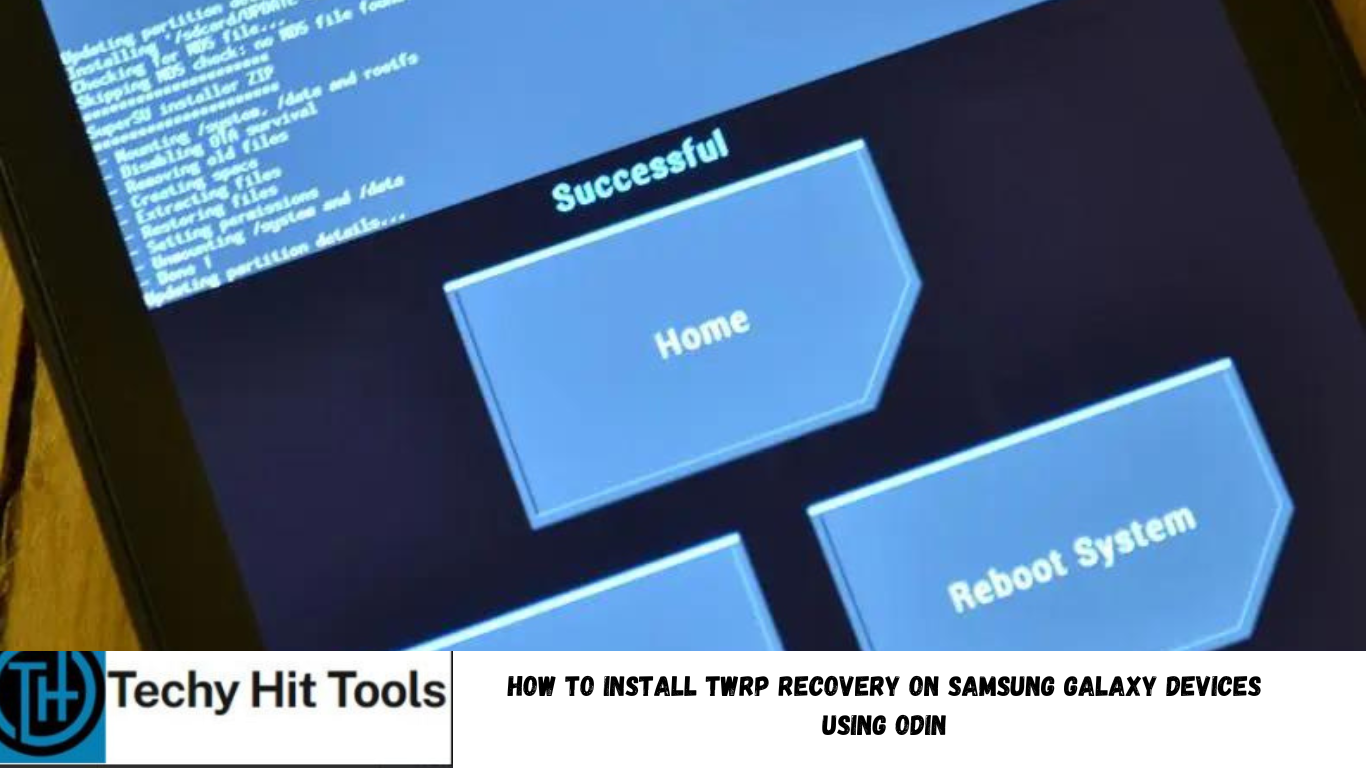
Here is how you can install a custom recovery on Samsung Galaxy devices. The TWRP or CWM recovery installation procedure is a bit different for Samsung phones than that for other Android devices. It requires an Odin software or flash tool which can flash files with .tar or .tar.md5 extensions that the packages for Samsung usually come in.
A custom recovery is useful if you are looking forward to modifying the system on your Android device. A number of things are possible with a TWRP (TeamWin Recovery Project) custom recovery. For instance, you can gain root access, flash a custom ROM, apply custom MODS like a sound mod, or even replace or update system files to bring them into your benefit.
Before you proceed, it is highly recommended that you backup everything including Apps, Data, Media, etc. just in case anything goes wrong.
Prerequisites
- Verify your device for compatibility and make sure if an unlocked bootloader is required for your Samsung Galaxy device before the procedure.
- Download latest Odin FlashTool Software and extract it on your PC.
- Download and install latest Samsung drivers from here.
- Enable OEM Unlocking and USB Debugging on your device. To do so, go to Settings>About Phone> Tap on the Build Number several times until you get a new Developer Options in the Settings. Open Developer Options and enable USB Debugging from there. Trust the connection by allowing it when you connect it to your PC for the first time.
- Make sure you have latest device drivers setup on your PC for a better connection. Get it from the download section official from the manufacturer.
- To be sure, fully charge your device as the process make take a while.
How to Install TWRP Recovery on Samsung Galaxy Devices Using Odin
Step 1: Download the compatible TWRP recovery file for your Galaxy device. Extract the zip file to get the firmware with .tar extension and place at a location where you can easily locate it in your PC.
Step 2: Now boot your device into Download/Odin Mode. To do so, turn off your device completely and then press and hold Power button + Volume Down + Home keys for a few seconds. If you see a warning sign press Volume up/ Volume down to get the Odin screen.
Step 3: If you already have Odin software on your PC then simply run the Odin3.exe file. If not, then download the Odin3.zip file from the download section and extract it. Run Odin software as administrator.
Step 4: While your device is still in the Odin Mode, connect your device to your PC using a USB cable.
Step 5: After a successful connection, the ID: COM in the Odin should turn Blue and an Added!! message should be displayed in the Log tab. In case your device doesn’t show up in Odin, then you can troubleshoot it with the steps given at the end of the tutorial.
Step 6: Now click on AP button and add the TWRP tar file by navigating to the file path. Once added, it should show like this — File Path\recovery.tar
Step 7: Open Odin, go into options and untick Auto-reboot and put the TWRP tar file in AP tab of Odin, hit Start and wait.
Step 8: When Odin shows “PASS”, take your device in hands, disconnect the USB cable and press simultaneously the “Home” + “Vol. Down” + “Power” buttons until the download mode disappears.
Step 9: At the precise moment the screen becomes black, immediately release the “Vol.Down” button and press the “Home” + “Vol. Up” + “Power” buttons during 10 to 15 sec to forcefully enter TWRP.
Important note: Don’t boot into rom because it will lock your device again!
How to Fix Bootloop on Samsung Galaxy Device?
If you come across boot loop or your Samsung Galaxy device is stuck at the boot logo then factory reset your device from the recovery. To do so, turn of your device (also remove the battery if applicable and put it back again) and reboot into recovery mode by press and holding Power + Volume down + Home keys for a few seconds. From the Recovery, select Wipe Data / Factory Reset. Confirm the action and reboot once done. Your device should now boot up.
How to Troubleshoot Connectivity problem on Samsung Galaxy Device?
If your device doesn’t show up in the Odin software, then turn off USB Debugging and turn it on again and Reboot. You can also reinstall the Samsung USB Drivers or try changing the USB cable and connection ports from device manager.
How to boot into TWRP
Turn off your device and then press and hold volume down + the power button simultaneously for a few seconds. When you see the TWRP logo screen, you have successfully booted into it