
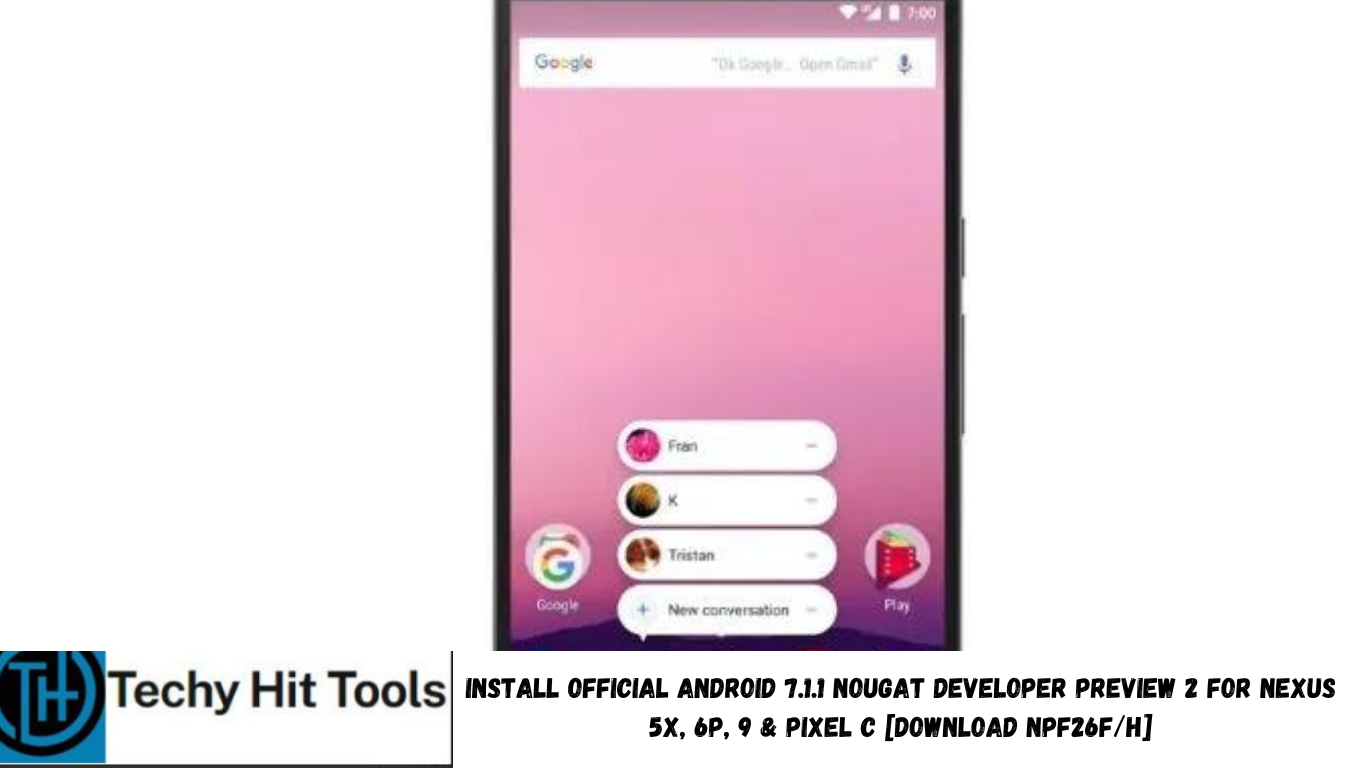
Google has now released the official Android 7.1.1 Nougat Developer Preview 2 for some of its Nexus devices including Nexus 6P, Nexus 5X, Pixel C and extending its reach towards Nexus 9 (WiFi & LTE) as well. The DP2 comes with a new build number NPF26H over the previous DP 1 with NPF10C. The Pixel C however, has received a new build NPF26F with the same Android 7.1.1 firmware version. The new Preview version brings improvements to app shortcuts and brings several new features like image keyboard support, new emojis, enhanced live wallpapers and much more. The latest Nougat firmware also supports API for carriers and calling apps.
The DP 2 is anear-final Android 7.1.1 Nougat firmware build for Nexus. Other Nexus devices like the Nexus 6, Nexus Player, including the Nexus 5X, 6P, 9, Pixel C, General Mobile 4G (Android One) will directly receive the final Android 7.1.1 Nougat Developer Preview 3 with an official OTA update. Meanwhile, you can enjoy the current DP 2 with November security patch updates.
Note: As we already know, the Google Pixel devices have already received Android version 7.1.1 Nougat OS. We also have tutorials on Pixel Apps, and features port and complete Pixel ROM port as well for various Nexus devices. You may also like the official Pixel Launcher, icons and related apps.
What’s New with Android 7.1.1 Nougat Developer Preview 2?
Here’s a quick rundown of what’s included in the Developer Preview 2 of Android 7.1.1 Nougat:
Key Developer Features
- App Shortcuts
- Image Keyboard Support
- New Professional Emoji
- Enhanced Live Wallpaper Metadata
- Round Icon Resources
- Storage Manager Intent
- Improved VR Thread Scheduling
- Demo User Hint
- APIs for Carriers and Calling Apps
- New Screen Densities for Wear Devices
Known issues with Android 7.1.1 Nougat Developer Preview 2
Stability and performance – Users may encounter system instability (such as kernel panics and crashes).
Audio – Audio may fail after Pixel C device goes to sleep.
Check out the source for more details.
Nougat DP 2 firmware information:
Date: November 2016
Build: NPF26F (Nexus 5X, Nexus 6P, Nexus 9), NPF26H (Pixel C)
Emulator support: x86 & ARM (32/64-bit)
Google Play services: 9.6
How to Install Android 7.1.1 Nougat Developer Preview 2 NPF26F/H on Nexus 5X/6P/9/Pixel C?
There are 2 ways to install the latest Android 7.1.1 Nougat DP on your eligible Nexus devices. The first is via enrolling the device for the automatic OTA update to Nougat Beta and secondly by flashing the full factory image on your Nexus. If you already have the Developer Preview 1, then you can install the OTA update zip file from below as well.
Method 1: Sign up for Android Beta Program via OTA
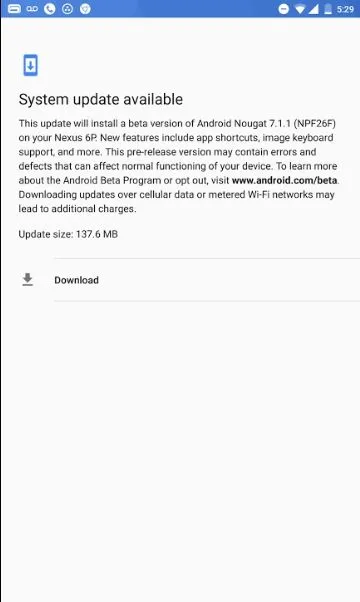
If you are on the official Android 7.0 Nougat and would like to try the Developer Preview 2 directly, then the easiest way is to sign up for the Android Beta Program from here and apply for an OTA update. Later, you will be notified of a new Android N-MR2 NPF26F/H update of nearly 1260 MB. Once you download and give permission to install, the devices will be updated automatically.
Note: You can also head over to our tutorial page on previous Developer Previews released earlier this year. It explains easier ways to install the developer previews on Nexus with Android Beta Program, factory images, OTA, etc.
Regardless of what Android version your device is running, if you sign up for the Beta program, you will receive an OTA update notification. However, make sure you are on the official stock Nexus firmware with either Android 6.0.1 Marshmallow or the Android 7.0 Nougat.
Method 2: Download NPF26F/H Android 7.1.1 Nougat DP 2 OTA zip update files:
The OTA update zip files can be flashed over the NPF10C and can take your Nexus to NPF26F/H. Some of the OTAs have been captured. We will update it here. OTA zip file downloads now available.
Device Download
Nexus 5X “bullhead” bullhead-ota-npf26f-factory-0e9ab286.zip
Nexus 6P “angler” angler-ota-npf26f-factory-0cd1829d.zip
Pixel C “ryu” ryu-ota-npf26h-factory-caed9427.zip
Nexus 9 “Volantis” volantis-ota-npf26f-factory-c0591bf3.zip
Nexus 9 LTE “volantisg” volantisg-ota-npf26f-factory-412bba4a.zip
You can manually capture the OTA updates from the logs, here is how to install OTA updates on Nexus devices, check out this tutorial: How to Install Android OTA on Nexus Devices Using ADB Sideload or Stock Recovery.
Method 3: Install Android 7.1.1 Nougat on Nexus 5X, 6P, 9, Pixel C with full Developer Preview 2 factory images
These are direct download links to the factory images. If you come across any errors while downloads, visit the Google download repository.
Download NPF26F/H Android 7.1.1 Nougat Developer Preview 2 Factory Images
Device Download
Nexus 5X “bullhead” bullhead-npf26f-factory-0e9ab286.zip
Nexus 6P “angler” angler-npf26f-factory-0cd1829d.zip
Pixel C “ryu” ryu-npf26h-factory-caed9427.zip
Nexus 9 “Volantis” volantis-npf26f-factory-c0591bf3.zip
Nexus 9 LTE “volantisg” volantisg-npf26f-factory-412bba4a.zip
In order to know how to install factory images on Nexus devices, you can head over to one of our tutorials we posted earlier. Check out this tutorial: How to Install Android Nougat Developer Preview on Nexus Devices. There are two methods listed. You can use any one of them.
If you are facing bugs or want to restore Nexus back to stock, you may uninstall the Developer preview at any time. Check out the procedure from below.
How to restore Nexus to stock official Android 7.0 firmware easily and uninstall Android 7.1.1 Developer preview 2?
You can simply opt-out of the Android 7.1.1 DP 2 by simply visiting the same Android beta program page listed above in OTA section and select opt out. Moreover, you can also flash the factory image of the stock firmware of Android 7.1 Nougat or Android 6.0.1 Marshmallow.
Note: Before you proceed with uninstallation, better backup all your apps and data as it will require you to factory reset and format all data.
How to Root Android 7.1.1 Nougat Developer Preview 2?
You may also like to see how to install factory images on Sony devices with Sony PC Companion, check out this tutorial: How to Install Android N Developer Preview On Sony Xperia Z3 and How to Root Android 7 Nougat Developer Preview With SuperSU And CF Auto Root. Like and share us on social media. For queries, comment down below.
Source: Check out the official page and more details of what’s included in the Android 7.1.1 Nougat DP 2 from here. For more information about the Developer Preview, check out Google’s support page and the official blog as well.