
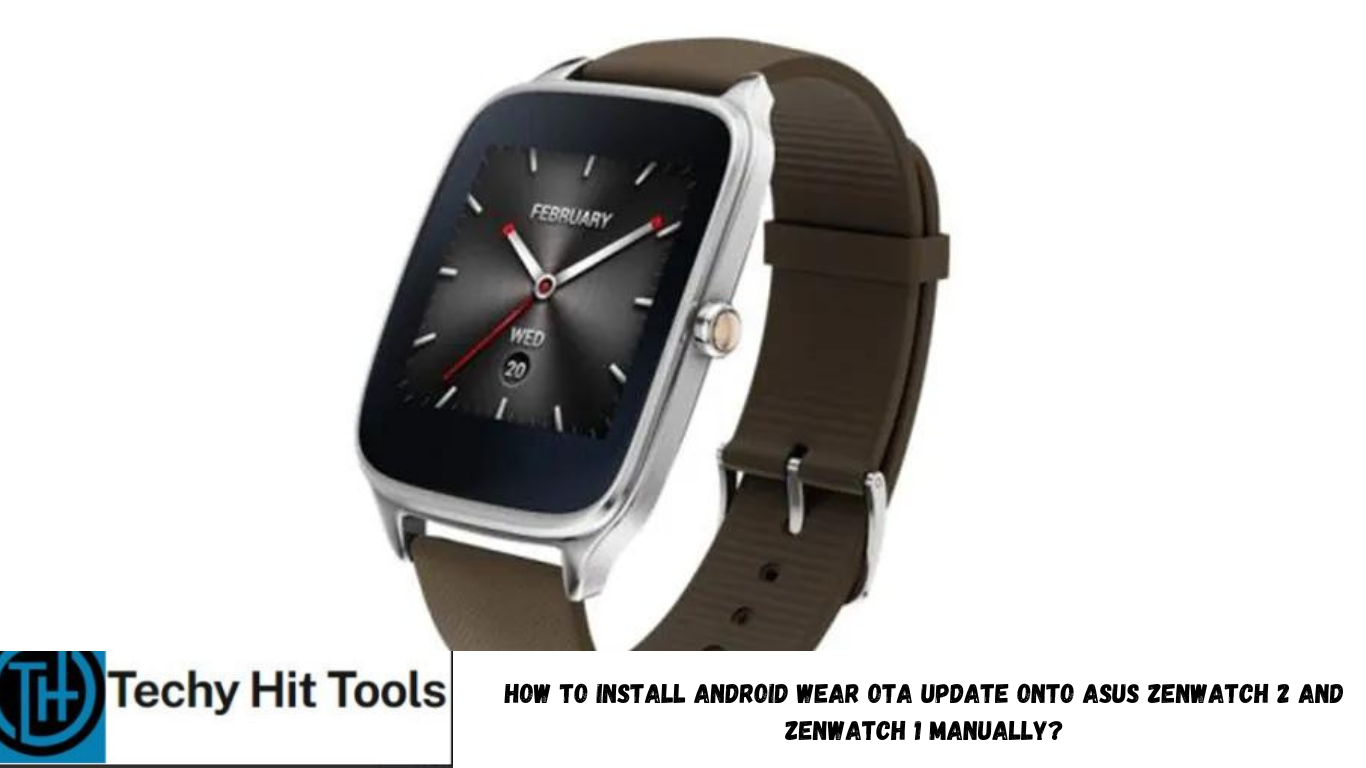
Following the Huawei Watch update v1.4 that brought Android 6.0 Marshmallow to it and many new features, here is another Android device receiving this update. The Asus ZenWatch 2 is being updated to Marshmallow over the air. According to users of the ZenWatch 2, the update was rolled out a while ago and it is running regionally. So not all Asus users will receive it at the same time. However, her we have the OTA URL capture for the Asus ZenWatch 2 and you can manually update it just like the Huawei Watch update 1.4
Apparently, all the Android wear seems to be receiving an update and the first among them are the stunning Huawei and Asus watches. According to the get prop updater script, it is indeed the Android 6.0.1 Marshmallow update with the build number WI502Q (wren) and WI501Q (sparrow) over the earlier 5.1.1 LCB51 firmware. However, the update is available for the smaller version only. But we will update it once it is available. So go ahead and install the update using this simple tutorial and grab the OTA update from the download section below. Asos see how to install TWRP recovery on Android watch.
Download OTA for Asus ZenWatch 2/1
OTA for Asus ZenWatch 2(small) → Direct Link | File: signed-signed-wren-MEC23G-from-LCB51.zip
OTA for Asus ZenWatch 2(big) → Direct Link | File: signed-signed-sparrow-MEC23U-from-LCB51.zip
OTA for Asus ZenWatch 1 → Direct Link | File: signed-anthias-MEC23S-from-LCA43.zip
[Thanks to, luke & Carlos for the info. in comments]
How to Install Android Wear OTA update onto Asus ZenWatch 2 and ZenWatch 1 via ADB sideload method?
This is an official method to manually flash the OTA updates on most of the Android devices. If you happen to choose this method, then you will need the to connect your device to PC and setup ADB and Fastboot. Go through the requirements and instructions carefully.
Prerequisites:
- Verify your device for compatibility. The listed firmware is compatible with Asus ZenWatch 2/1 only.
- Enable USB Debugging on your device. To do so, go to Settings>About Phone> Tap on the Build Number several times until you get a new Developer Options in theSettings. Open Developer Options and enable USB Debugging from there. Trust the connection by allowing it when you connect it to your PC for the first time.
- Make sure you have latest device drivers setup on your PC for a better connection. Get it from the official page of your device manufacturer.
- Easily setup ADB and Fastboot on Windows, Mac OS, Linux or Chrome OS from here. You may also like Universal ADB drivers, Naked ADB drivers.
Installation Instructions:
Step 1: Download the OTA file for Android Watch. You don’t need to extract the file, just place the file on your PC where you can easily locate it.
Step 2: Make sure that you setup ADB and Fastboot on your PC. Trust the connection by checking “Always allow from this computer” when you plug in the Android device to your PC for the first time.
Step 3: Now keep the device plugged in and open a command prompt or terminal on your PC. To do so, hold the shift key on the keyboard and right-click on an empty space and select “Open command window here” option to launch a cmd window.
Step 4: Boot your Android device into the bootloader or Fastboot mode. To do so, issue the following command through cmd or terminal.
adb reboot bootloader
Note: To check your connectivity, issue the command “adb devices” before the bootloader command.
Step 5: Now, navigate to the location where you have placed the OTA file on your PC. Rename the recovery file to a simple one, like ota.zip. While the folder with the ota.zip file is open, flash the OTA by issuing the following command. (Note that you type the exact name with its proper extension.)