
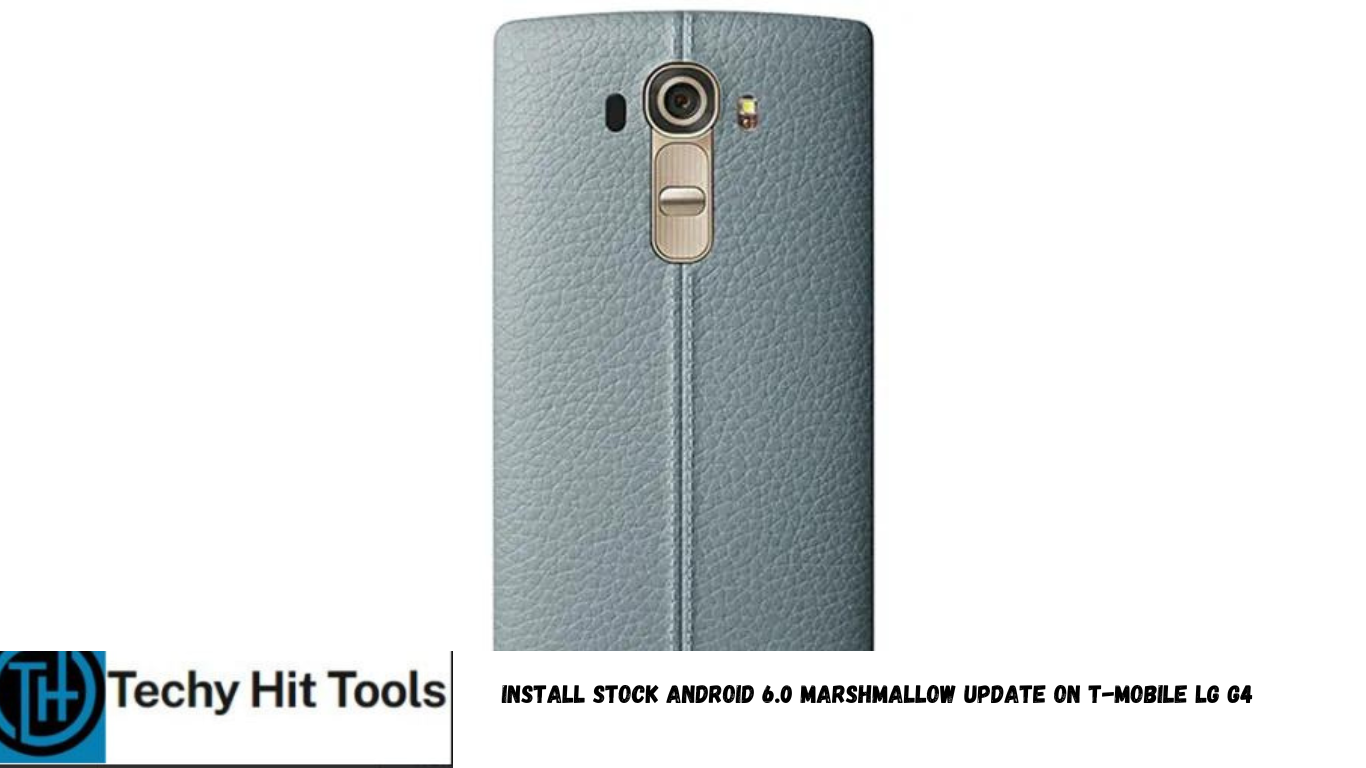
Android 6.0 Marshmallow firmware hits the LG G4 H811 device. Following the footsteps of the international and sprint variant of the LG G4, that received a similar update last month, it’s the time for the T-Mobile variant to shine. LG G4 users can now get excited as a new H81120i update comes their way. This is an official OTA update and has been rolling out across the globe. Even though the update is running slow and over the air, here we have the stock 20i firmware files for you and has been listed in the download section. This tutorial will take your T-Mobile LG G4 to official Android 6.0 Marshmallow firmware with ease.
Courtesy of autoprime, a recognized XDA forum member, the files are now available as both, TWRP flashable zip files and stock KDZ file. The flashable zip files consist of a complete 20i package that includes the modem, system and boot images which are the minimum required Marshmallow firmware files and can be flashed directly using a custom recovery like TWRP. You can install stock 20i M with the ZIP files in TWRP or flash a KDZ in LGUP or LG Bridge. Due to the new 20i bootloader, bootloader needs to be unlocked if you go through the TWRP method. If you are concerned, both KDZ and ZIP upgrade methods work and has been tested working. If you are coming from Lollipop, then you may not be able to retain TWRP or root since the new bootloader has a new unlock method. The first method requires flashable zip file and TWRP setup. The second one requires stock KDZ firmware file. Take a look at the download section below.
Download Marshmallow ROM For T-Mobile LG G4 H811
Download Lineage OS 14.1 based on Android 7.1.2 Nougat or later
Latest H81120i Marshmallow firmware files
→ Download | File: LG-H81120i-Flashable.COMPLETE.zip
Full stock firmware untouched. Includes system, boot, modem and bootloader. The files have been updated and consist no boot loops or bugs.
→ Download | File: LG-H81120i-Flashable.Modem.zip
This is a flashable stock 20i modem.
→ Download | File: LG-H81120i-Flashable.Boot.zip
This is a flashable stock 20i boot.img. Boot.img contains kernel + dtb + ramdisk.
→ Download | File: LG-H81120i-Flashable.Bootloader.zip
This is a flashable stock 20i bootloader. It contains aboot, factory, hyp, laf, pmic, raw_resources, rpm, sbl1, sdi, sec and tz. If you have not already unlocked the bootloader through Fastboot on 20i or higher, then you will need to run stock LG M to unlock before using the M bootloader on CM or AOSP ROMs.
Flash SuperUser for Root Access
→ Latest SuperSU → Download link
Stock 20i KDZ file:
→ Download | H81120i/H81120i_00_0201.kdz
→ Link | Full Directory for T-Mobile LG G4 H811 [Lists all the files]
LGUP FlashTool
→ Link | First file in download section there
Stock Lollipop Firmware V10N
→Download | File: LGH811V10N.kdz
→Mirror | File: LGH811V10H.kdz
How to Install Stock Android 6.0 Marshmallow Update on T-Mobile LG G4 H811 Using TWRP
Go through the requirements below and then proceed.
Prerequisites
- Verify your device before you proceed. The ROM is compatible with T-Mobile LG G4 H811 variant only.
- Make sure you have a custom recovery installed on your device. Latest TWRP is advisable. Download the recommended build from this page or on the official page for TWRP 3.0. See how to install TWRP on your Android device from this page.
- Make sure you have latest device drivers setup on your PC in order to transfer the files to your device’s internal storage. Get it from the official page of your device manufacturer.
- Unlocked Bootloader is required in some cases. Most commonly for TWRP installation or downgrading back to Lollipop. Make sure you “Enable OEM Unlock” from Developer Options if you are on Marshmallow. If you have a custom recovery installed, then you can flash the ROMS straight away. However, it’s recommended that you unlock the bootloader first.
Installation Instructions
Step 1: Download the complete flashable zip file from above. You can also choose individual files like the system, bootloader, modem, etc. If you are looking for root then, download the SuperSU package from the list (recommended).
Step 2: Transfer all the necessary files to you device’s internal storage. Place the files where you can easily locate it.
Step 3: Now boot into TWRP recovery. To do so, turn off your device completely and then press and hold the power button and volume down key for a few seconds. Once you see the TWRP logo, that means you have successfully booted into the recovery. Alternatively, if you have rooted device, then use Android apps like the Quick boot or Boot Smart.
Step 4: Once into TWRP, take a Nandroid backup. (Highly recommended) To do so, tap Backup option and select all the partitions including the system, data, boot, recovery, EFS and cache(optional).
Step 5: Now wipe the current system. If you are coming from stock, then this is optional otherwise perform a factory reset from TWRP. To do so, return to home screen and tap the Wipe option in TWRP. Tap Advanced Wipe and select partitions like system, boot, data, cache, Dalvik cache. Do not, in any case, select internal storage, unless you know what you are doing.
Step 6: Now return to the home screen again and tap Install option. Navigate to the Complete firmware zip file on the internal storage and select it.
Step 7: Now swipe right on the confirmation action button below to install the ROM.
Step 8: Once installed, go back and select the SuperSU zip file from the location in your internal storage.
Step 9: Once selected, swipe right on the confirmation action button below to flash them.
Step 10: Once installation completes, you can wipe the Dalvik cache or simply choose reboot to system option.
Step 11: Once you reboot, you should see the new boot logo. This means that the ROM has been installed successfully. First boot may take a while. If the ROM doesn’t boot or you come across boot loop, a factory reset from the recovery should do the trick. If that fails, you can restore your previous ROM from the TWRP recovery.
If you come from full stock, then go through the LGUP Flashtool method. It should upgrade your device in no time.
How to Install Stock Android 6.0 Marshmallow Update on T-Mobile LG G4 H811 Using LGUP FlashTool
Step 1. Download both LGUP MSI files file from the download section above and install them on your PC. Also, download the Stock 30B firmware and place where the LGUP is located.
Step 2. Boot your phone into Download Mode. To do so, disconnect USB cable then Power off the phone completely. Now hold Volume Up then plug in USB cable at the same time.
Step 3. Now open LGUP and select your phone model. If it says unknown, disconnect phone or reopen LGUP and try again.